Docs videos that don’t rot
A clip for every page of your docs.
Updated October 2026
How it works
Three steps, in the order they happen.
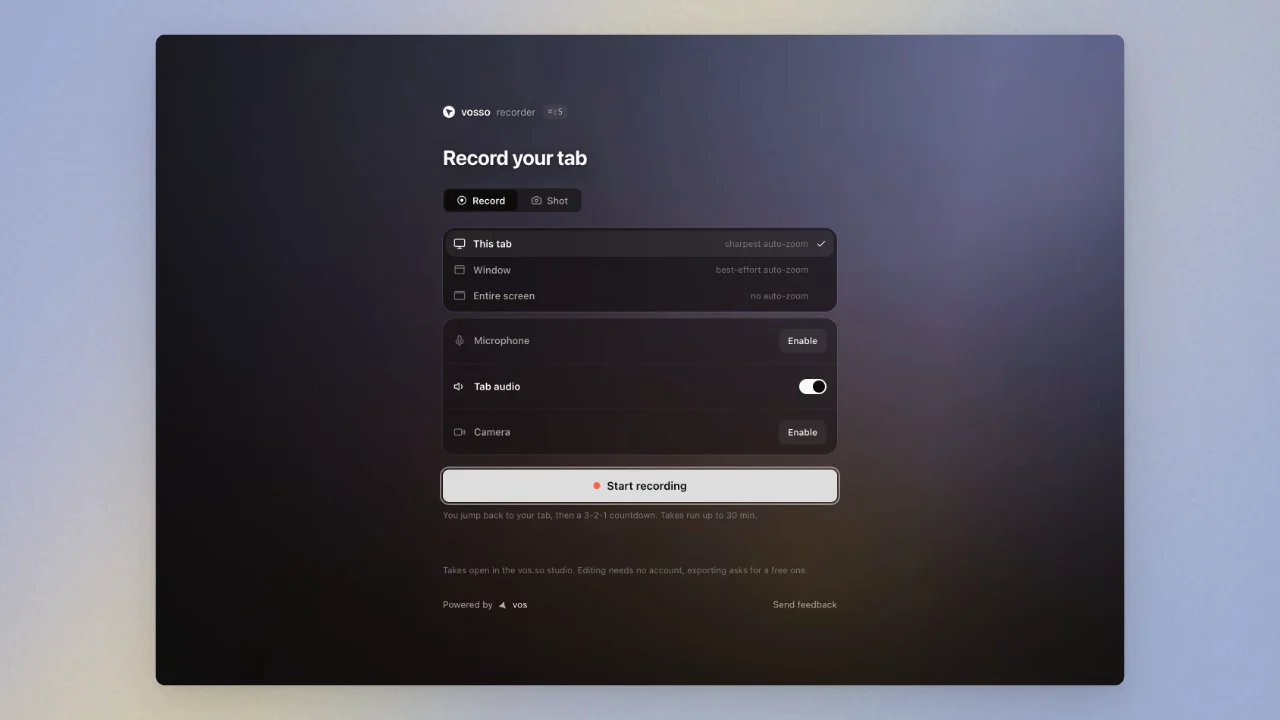
Record the walkthrough. Capture the docs flow in a tab.
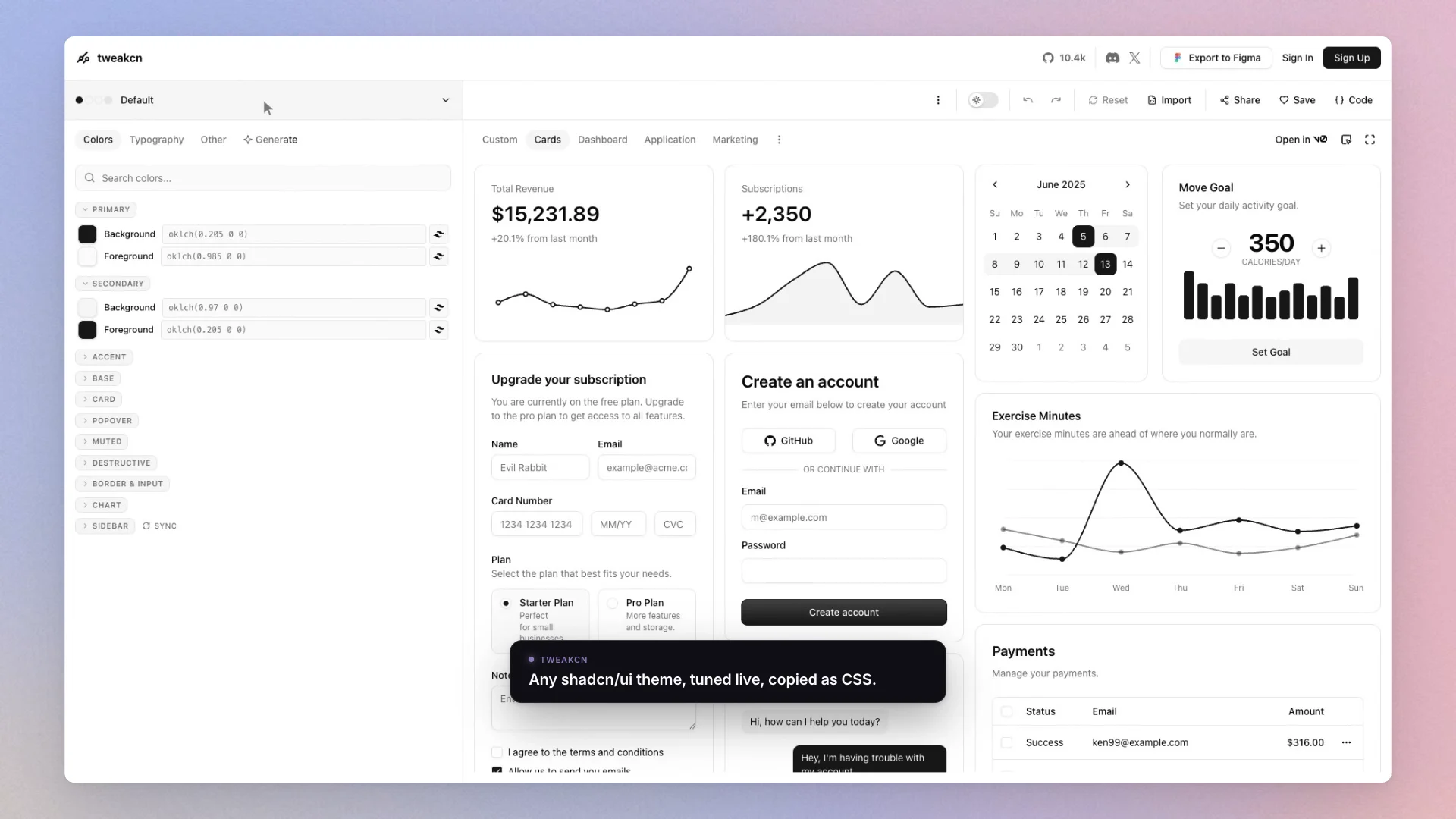
Polish without keyframes. Auto-zoom handles emphasis, speed ramps compress typing and the browser frame keeps it presentable.
Customize your theme
Embed and maintain. Embed the watch page in your docs.
Questions
How do I keep documentation videos up to date?
Record with a tool that stores effects as data. In vosso the zooms, trims and framing live in an editable document, so a UI change means patching one take and rendering it again, and walkthroughs scripted with the CLI can be made again automatically in CI.
What makes a good tutorial screen recording?
Emphasis and pacing: zoom in on what the viewer must see, speed through what they must not wait for, and keep the cursor smooth. Auto-zoom from real click data does the first two automatically; a rendered cursor does the third.
Something else? hello@vos.so