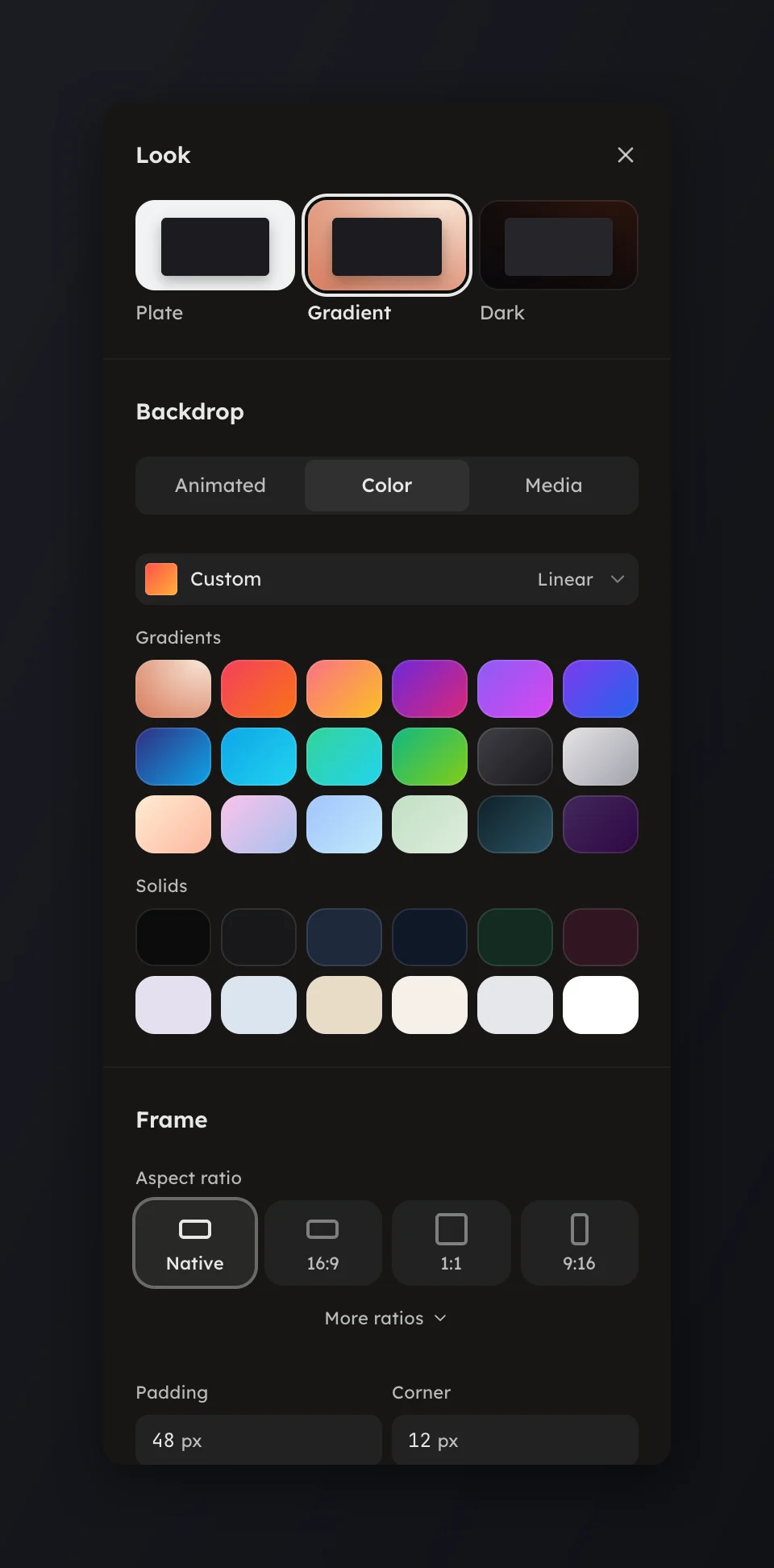
Backdrop
Put a gradient, a solid, a looping vos or your own media behind the card.
Put a gradient, a solid, a looping vos or your own media behind the card.
Open Backdrop in the rail to set what sits behind the card. The page has three tabs: Animated, Color and Media.
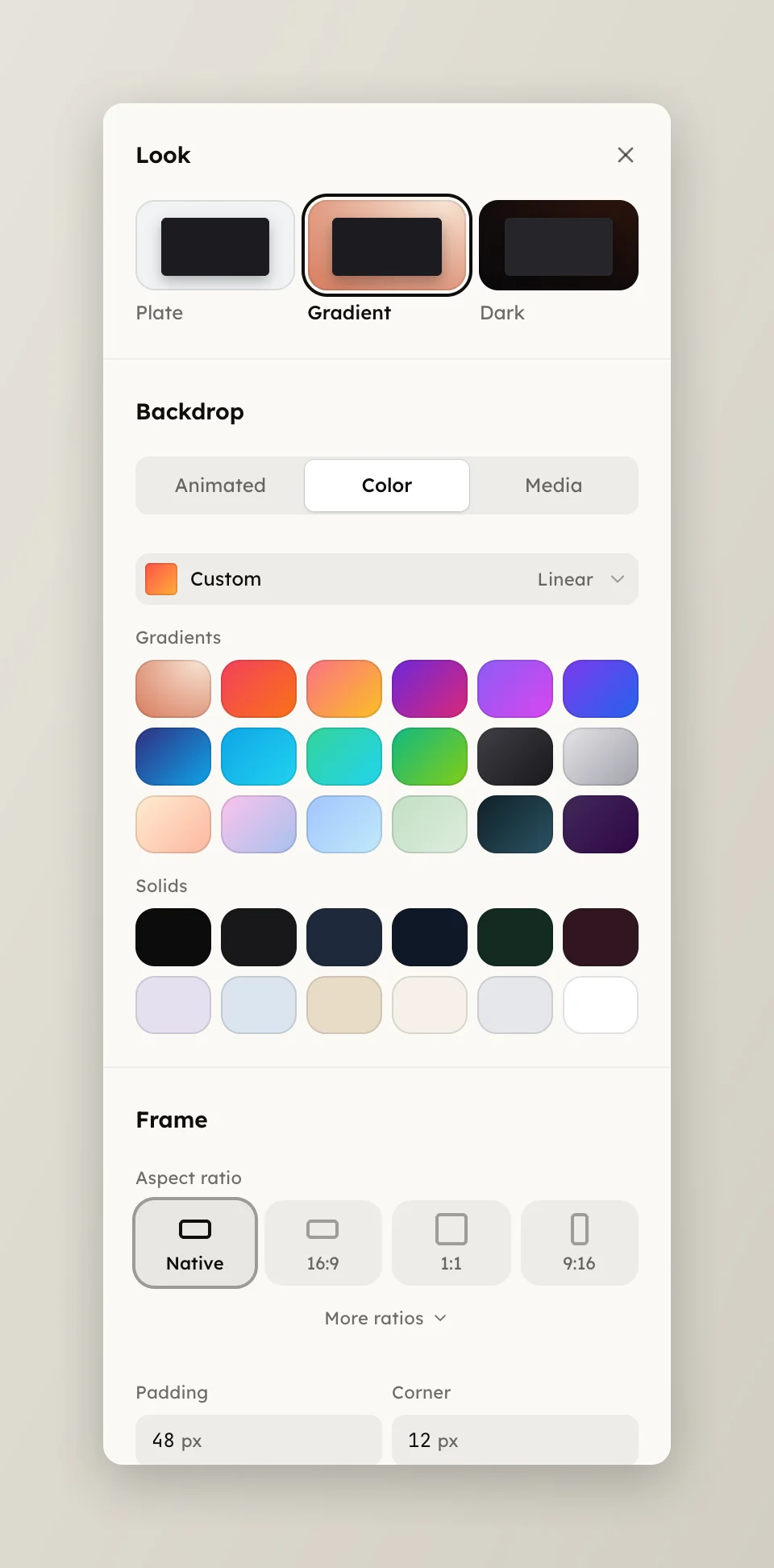
Color shows the applied backdrop on top, by its preset name or as Custom, then two lists.
Animated is a grid of looping backdrops, your own pick leading as Your vos. From your projects opens Choose a backdrop, with the house Backdrops shelf and Yours, so a program you saved can play behind the card. A line under the grid names the pick, with Open in studio.
Media takes your own picture or clip: press Upload an image or video, Choose from your files for one you already have, or open Or paste a URL and paste one. It shows as Your image or Your video.
With an animated or media backdrop on:
The backdrop runs on its own clock: trims and speed changes never move it.