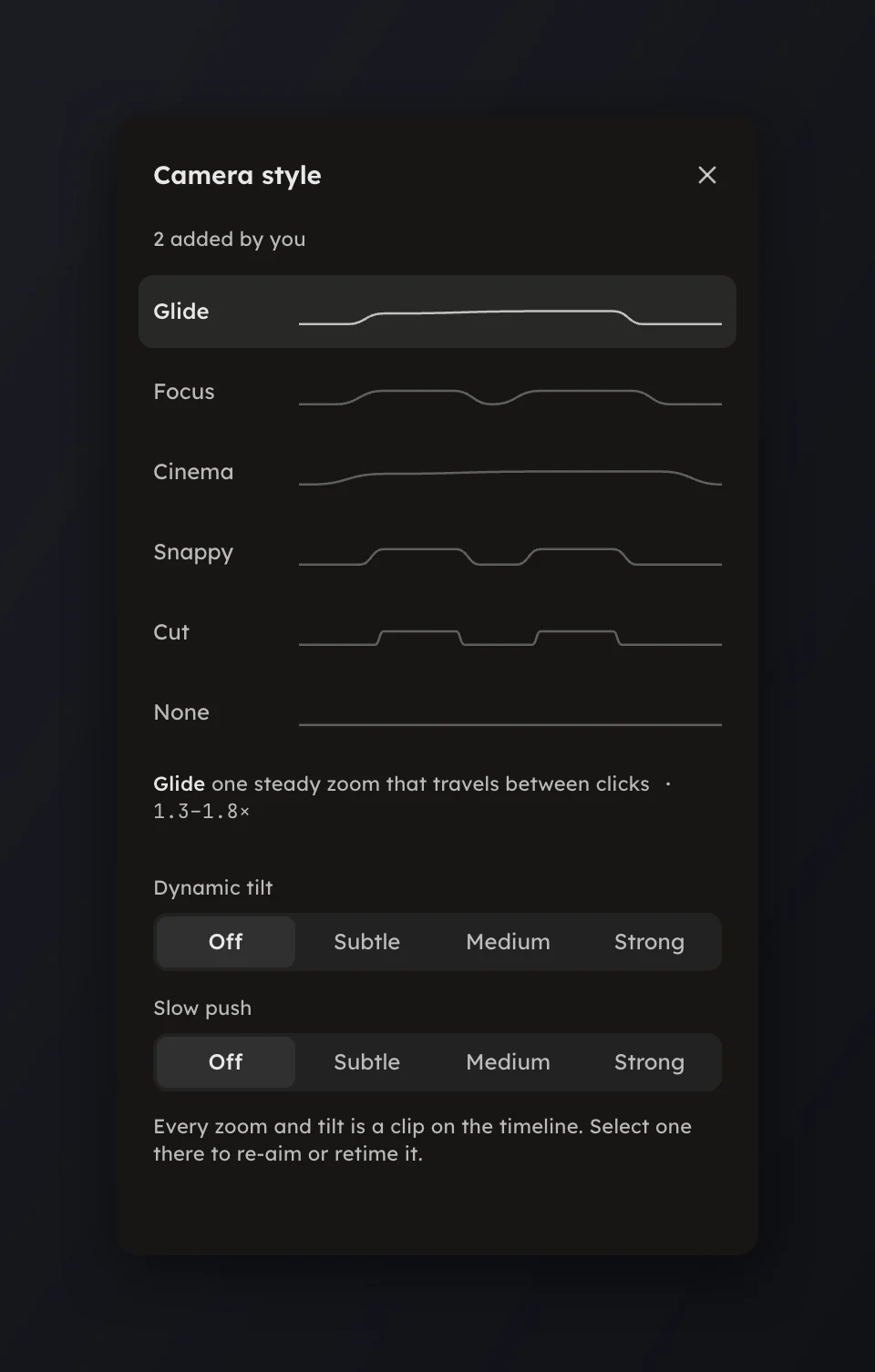
Camera styles
The eight styles that plan your zooms, with their ranges, and Dynamic tilt.
The eight styles that plan your zooms, with their ranges, and Dynamic tilt.
A camera style decides how the studio plans zooms from your clicks: how far in, and how the camera moves between them. Open Camera in the rail and press a style; the automatic zooms are re-planned at once, and zooms you edited stay.
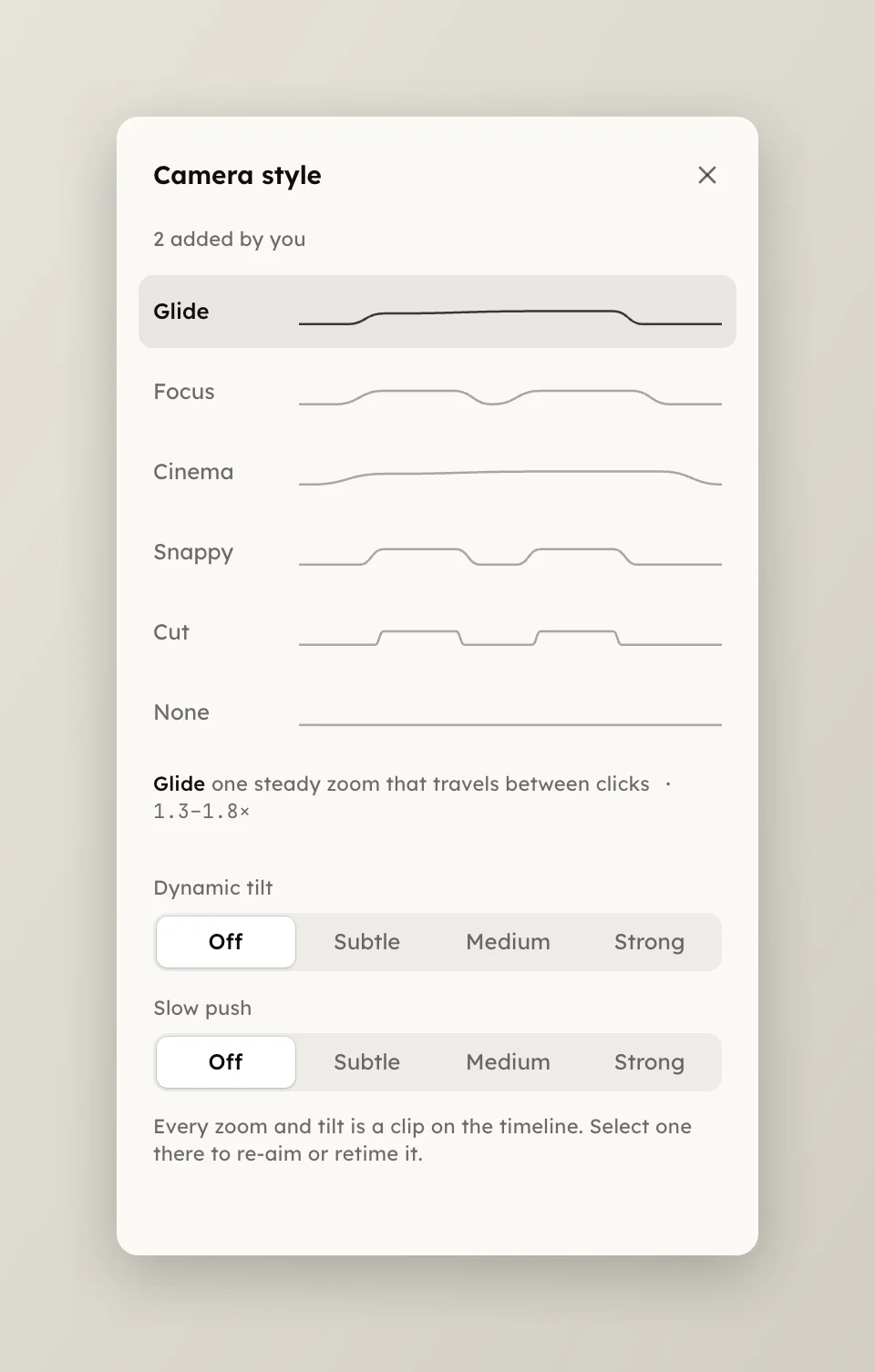
Each row plays a live preview and shows its zoom range.
Below the styles, Dynamic tilt sets how far the card leans toward each zoom focus: Off, Subtle (up to 5°), Medium (up to 9°) or Strong (up to 14°). A lean moves at the style's own tempo, so it lands with its zoom. See Tilt.
Zooms, tilts and speed changes are clips on the timeline. Add one with the timeline buttons, then select it there to re-aim it or change its timing. The Camera page appears only for a take with a cursor track.