Media
Place an image or video over the footage, dress it as a card, animate it.
Place an image or video over the footage, dress it as a card, animate it.
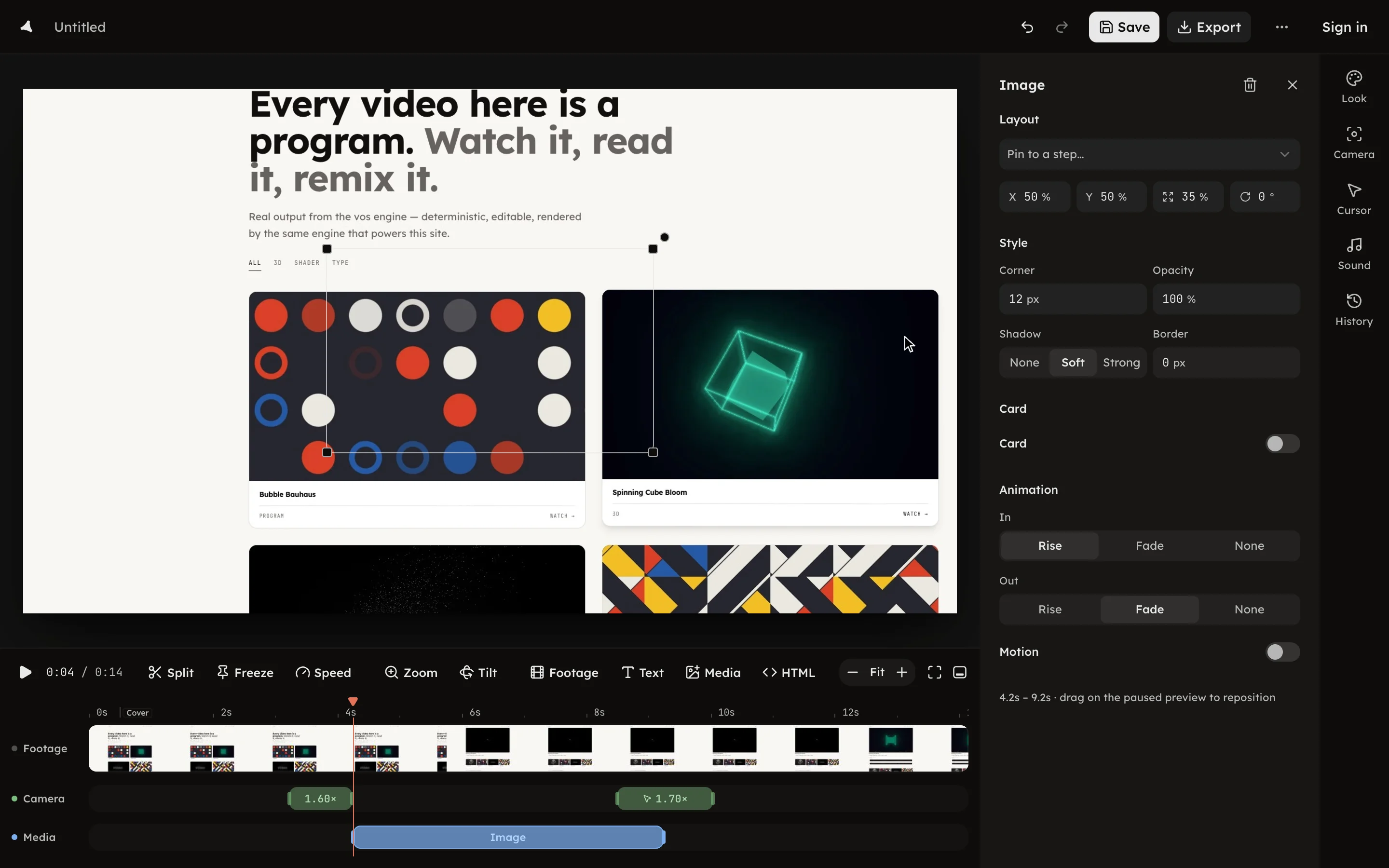
Press Media in the timeline toolbar to place an image or a video over the footage. Pick the file and it lands as a clip at the playhead, between 0.2 and 5 s long. A file you already have can be picked without uploading it again; see Reuse a file.
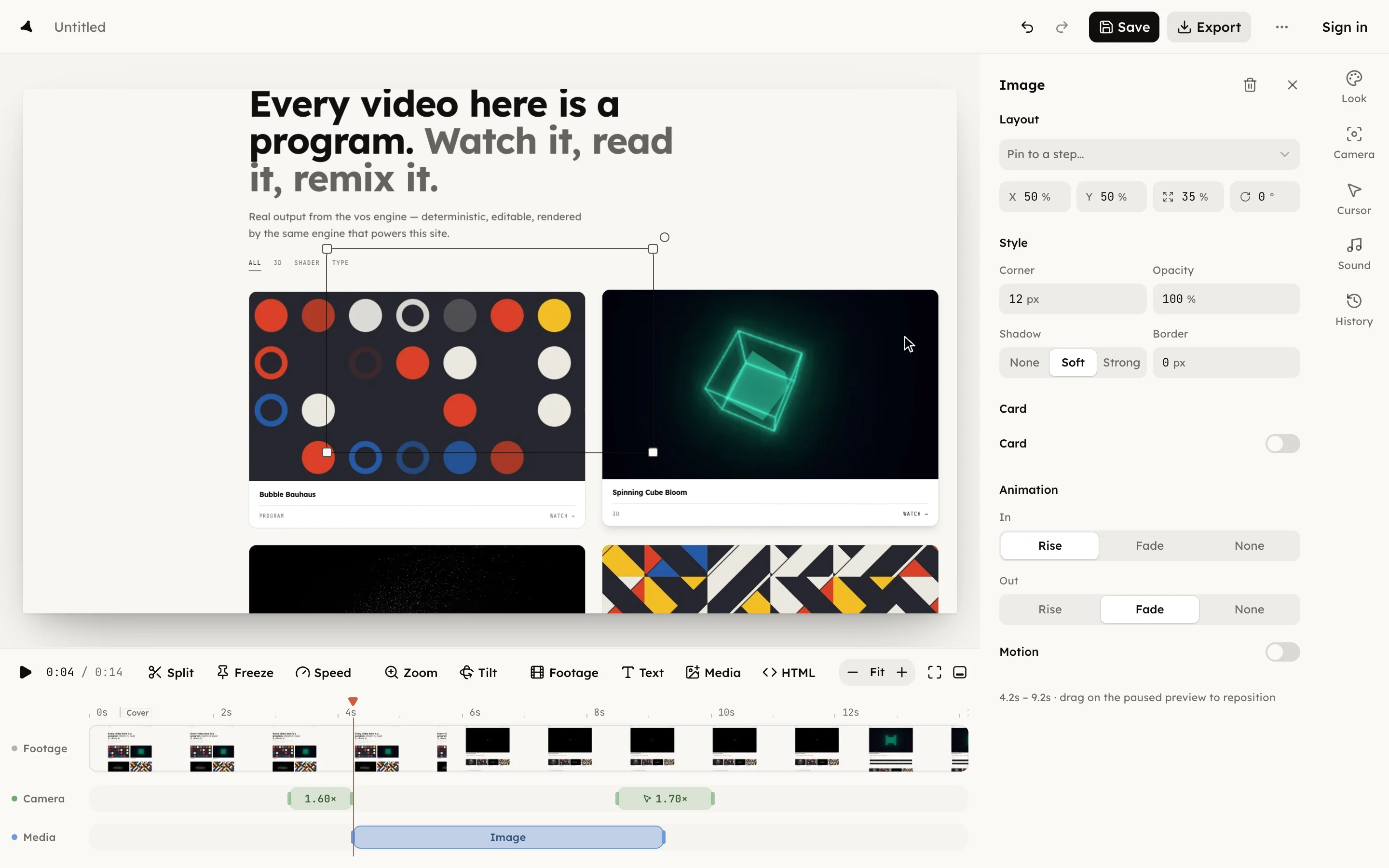
The panel is titled Image or Video.
A video overlay is muted, and its time is the clip's own: it starts from its first frame when the clip begins, whatever the footage is doing. Sound belongs on the Sound row; see Soundtrack.
The clip sits on the Layers row; drag its edges to change when it shows,
and right-click it for Bring forward or Send back when layers
overlap. Press Delete media overlay or ⌫ to remove it.