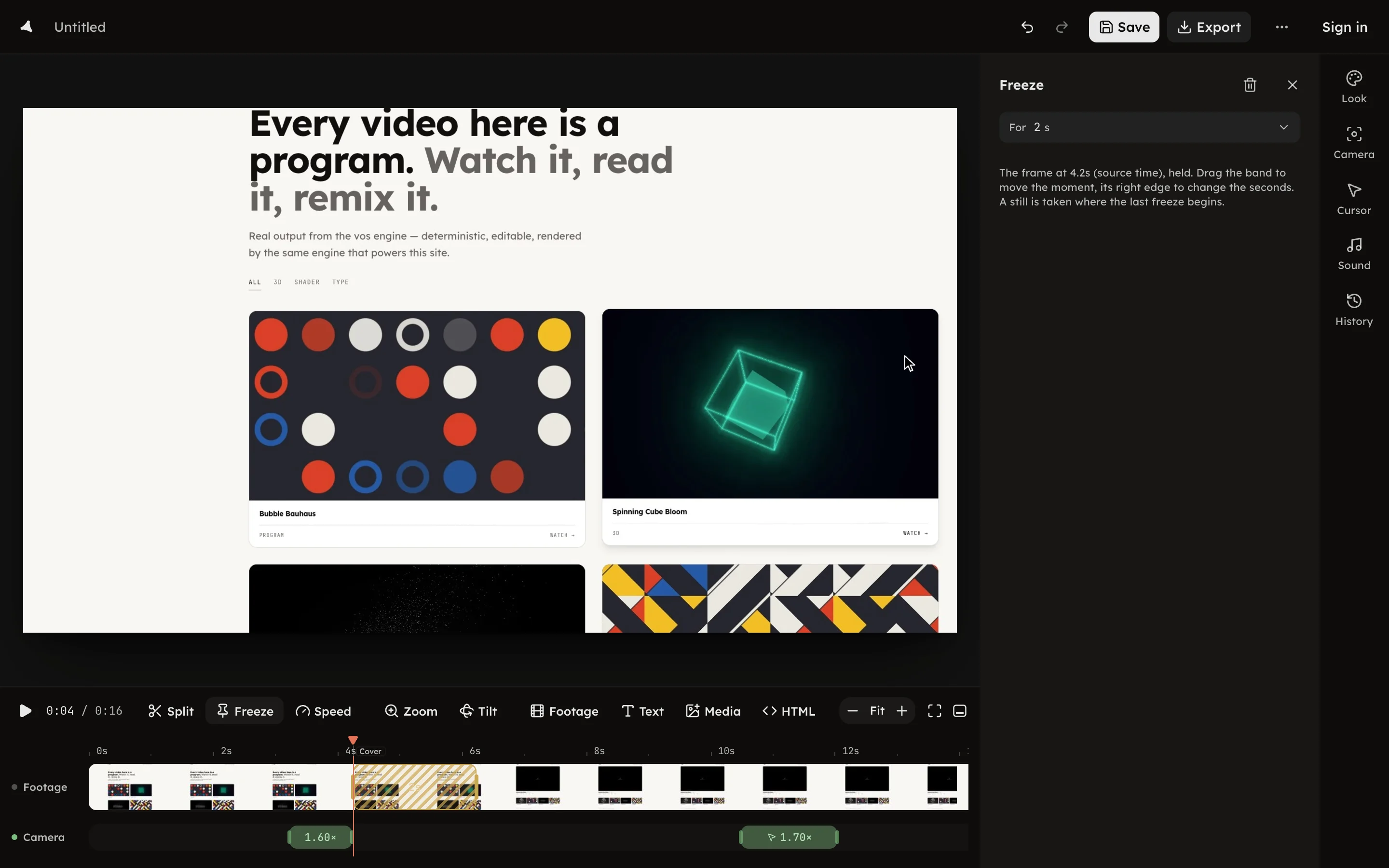
Freeze
Hold a frame for a chosen number of seconds, and where the cover comes from.
Hold a frame for a chosen number of seconds, and where the cover comes from.
Press Freeze in the timeline toolbar, or F, to hold the frame at the
playhead. The freeze lands as a band on the Video row, and the footage
pauses on that frame for as long as the band runs.
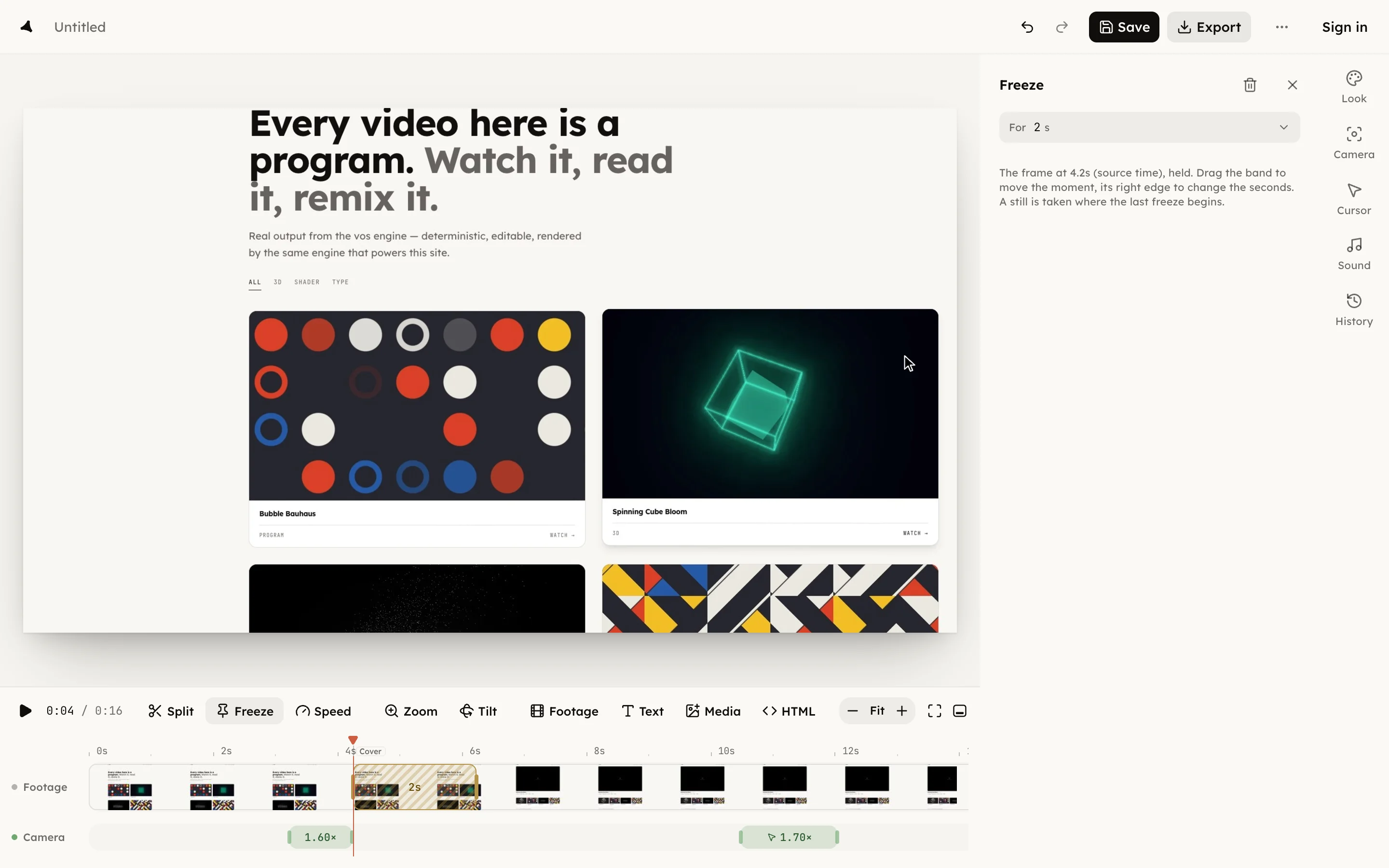
Drag the band to move the moment it freezes; drag its right edge to change the seconds. The panel prints the frame's time in source time, the seconds of the recording itself.
A still is taken where the last freeze begins. That frame becomes the take's cover, the picture it shows on your shelf, and the Cover mark on the ruler moves to it. Drag the mark to choose a different cover; the freeze stays where it is.
Press Delete freeze in the panel or ⌫ to remove it. A freeze is its
own thing, not a speed change; the speed bands ride beside it, see
Speed.