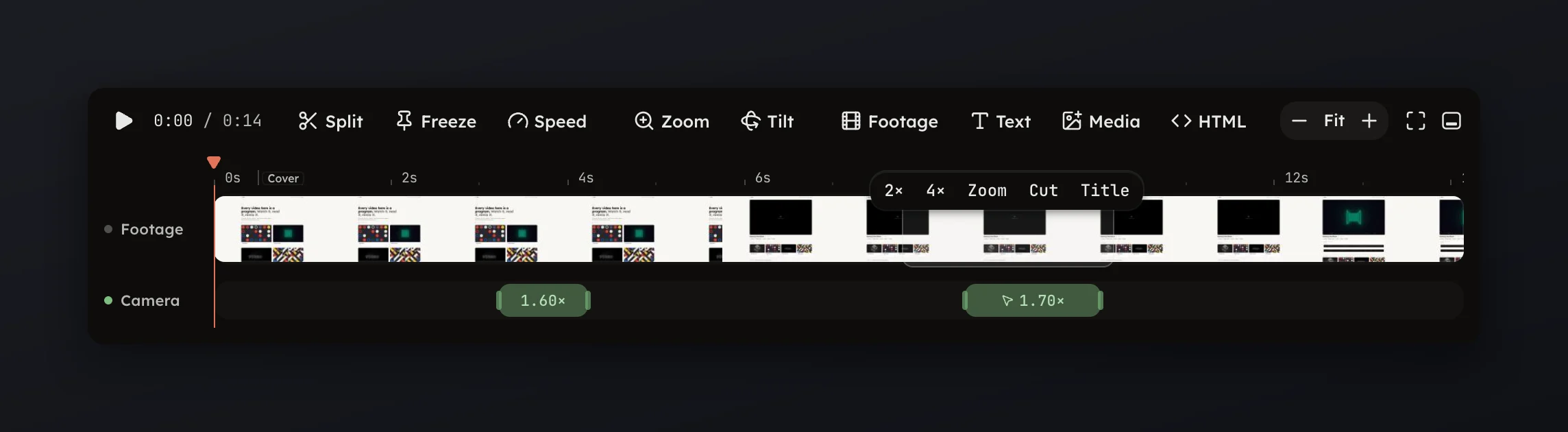
Range chips
Drag a range on the footage and act on it: speed, zoom, cut or title.
Drag a range on the footage and act on it: speed, zoom, cut or title.
Drag across the footage on the Video row and a row of chips appears once the range is at least 0.15 s long. Each chip acts on exactly that stretch.
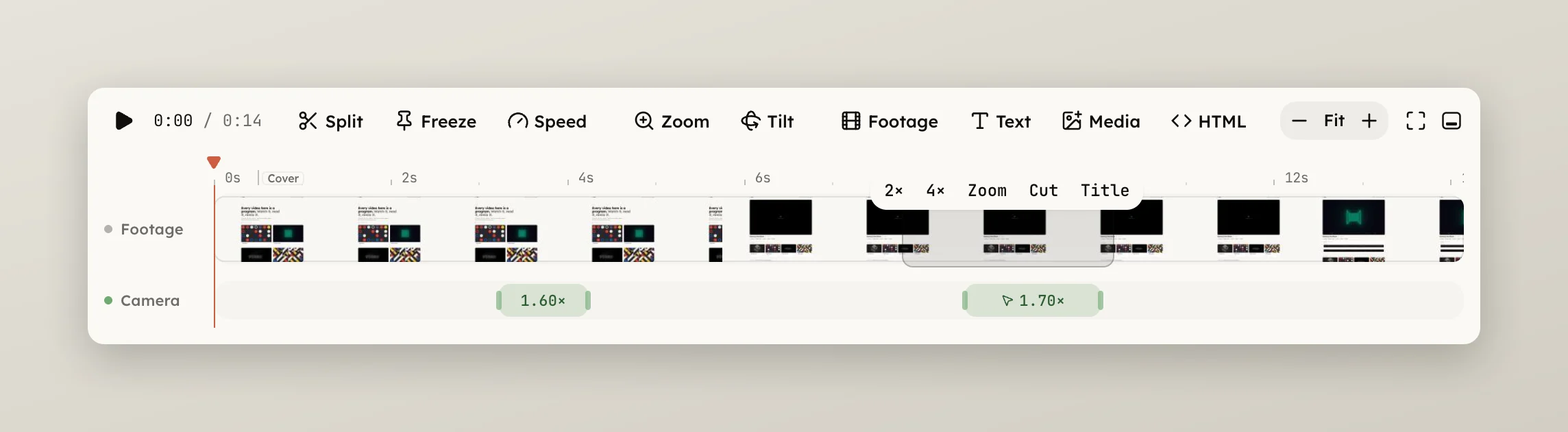
On plain footage:
Title, and opens
it for typing.Over a speed band:
Press Escape to let the range go without acting. A plain click selects the
clip instead, and ⌥-drag on the footage reorders the clips rather than
selecting a range.