vossodocs
Open studio
  • Overview
  • With your agent
  • What is vosso
  • Make your first video
  • Keyboard shortcuts

Studio

    • Install the recorder
    • Record a tab
    • Record a window or the screen
    • Webcam and microphone
    • Tab and system audio
    • Take a screenshot
    • Record without the extension
    • Bring a video file
    • Record with the CLI
    • Zooms
    • Adjust a zoom
    • Add and delete zooms
    • Camera styles
    • Follow the cursor
    • Tilt
    • Cursor and clicks
    • Trim and split
    • Speed
    • Freeze
    • Range chips
    • Add footage and transitions
    • Text
    • Media
    • Reuse a fileNew
    • HTML layers
    • Live layers
    • Soundtrack
    • Voice and levels
    • Backdrop
    • Card and frame
    • Webcam
    • History
    • Save and autosave
    • Projects and recipes
    • FilesNew
    • Export a video
    • The program itself
    • Publish
    • The watch page
    • Embed a vos
    • Remix and duplicate
    • Every release

Agents and code

    • The agent contract
    • Install the skills
    • Bring a Remotion or HyperFrames video
    • Push and pull
    • Versions and conflicts
    • Folders and recipes
    • Credentials
  • Start

    • Install and log in
    • The take directory

    Reference

    • Verbs
    • actions.json
    • doc.json
    • HTML layers
  • Programs

    • Overview and auth
    • Config format
    • Voses and versions

    Catalogs

    • Fonts
    • Music and SFX
    • 3D typefaces
    • Backdrops
    • Limits
Back to vos.so

Share

The watch page

What a visitor sees at vos.so/vos/slug, what the owner sees, and the verbs on it.

previous← PublishnextEmbed a vos →

Every saved vos has a watch page at vos.so/vos/<slug>, and it always plays the latest version. Share that address and the person on the other end sees the same page you do, minus the owner's controls.
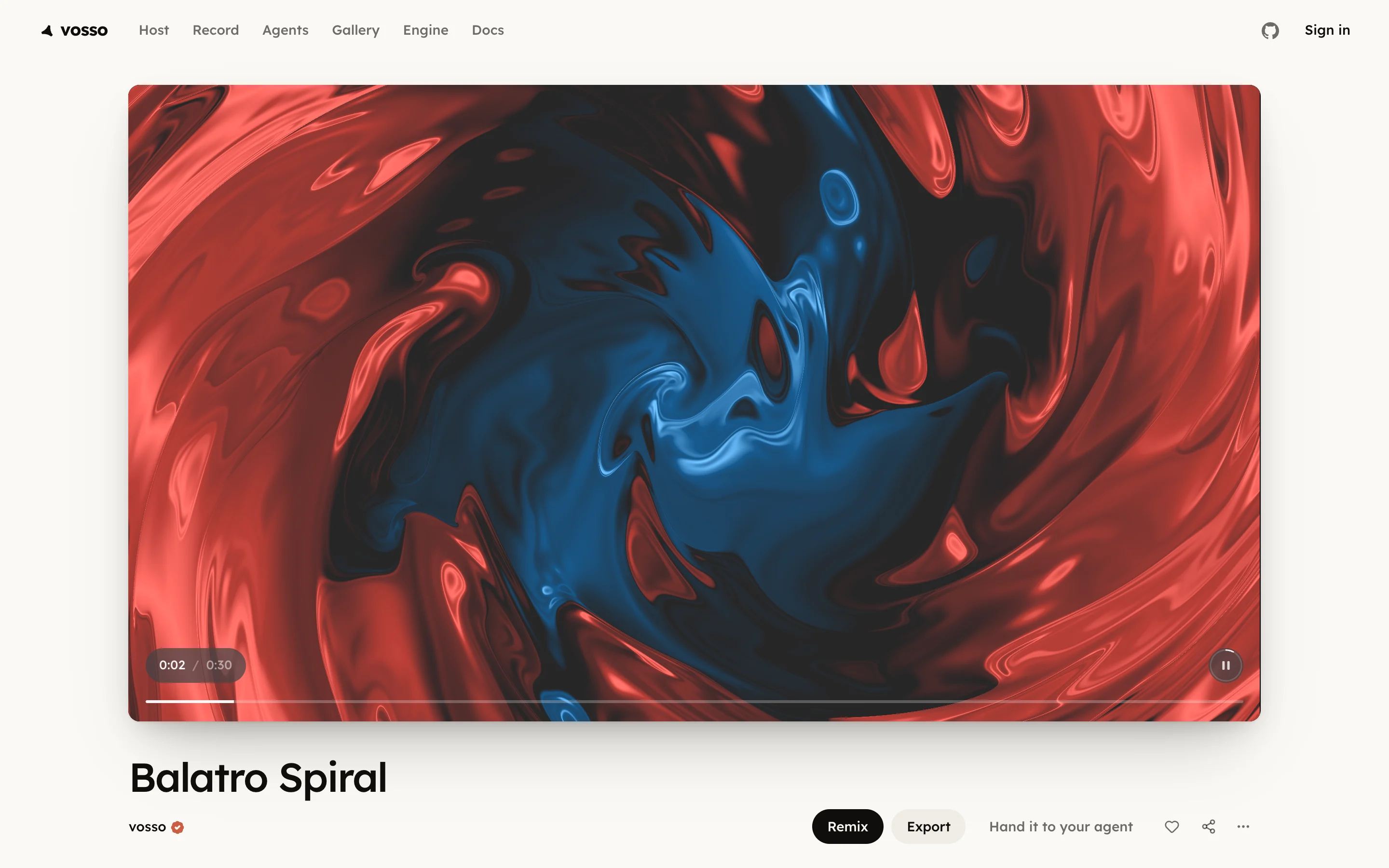
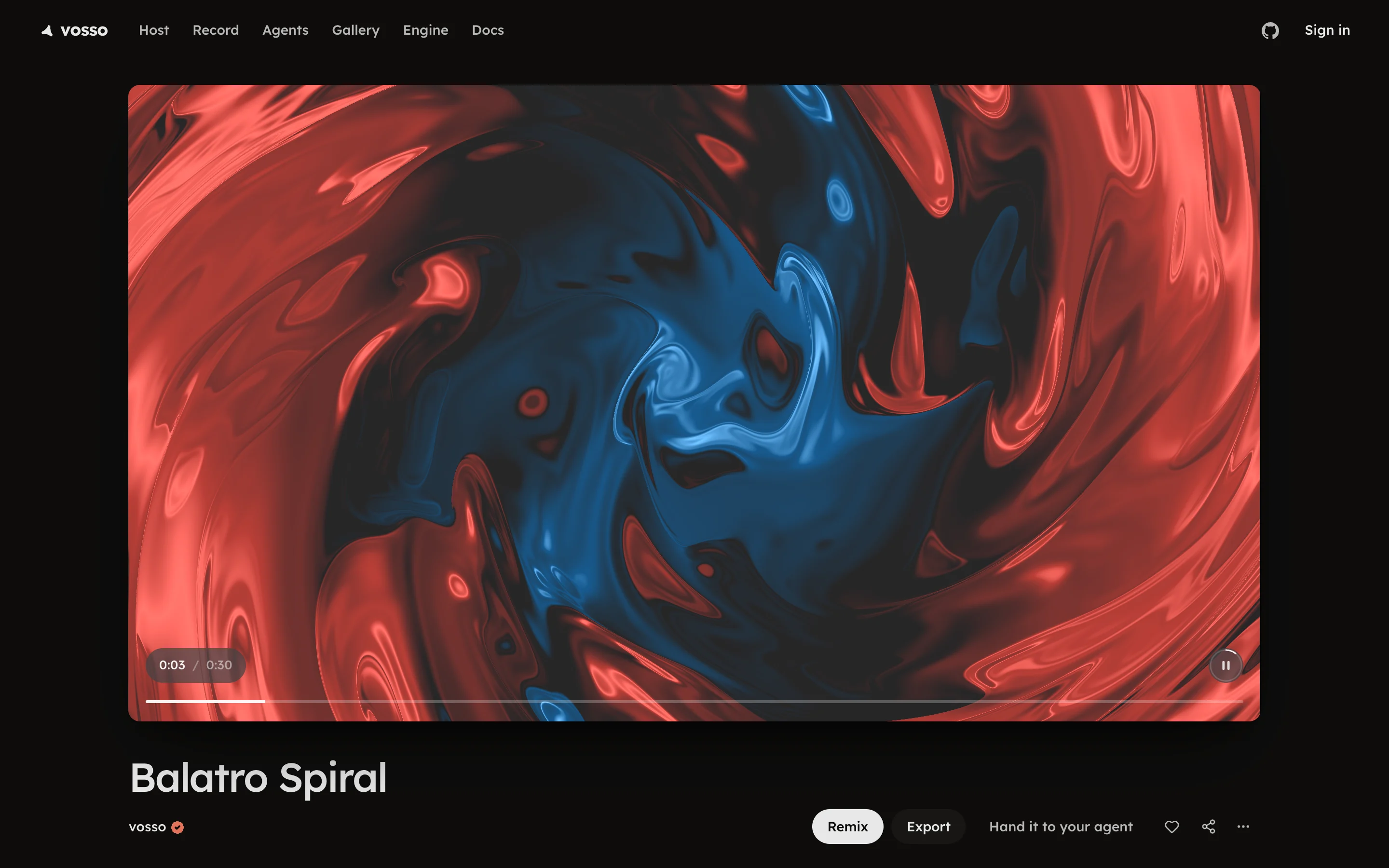
A public watch page with Remix, Export and the link verbsA public watch page with Remix, Export and the link verbs

What a visitor sees

  • Remix opens a copy in the studio, in their browser, to edit as their own; see Remix and duplicate.
  • Export downloads the vos as it is. Signed out, it asks one thing, a video or a GIF, and needs no account; signed in, it opens the full Export dialog.
  • Like counts, and reads Unlike with the count once pressed.
  • Share opens Copy link, Start at (the link opens at that moment), X, LinkedIn, Bluesky, email and, on a public vos, Copy embed code. On a phone it opens the phone's share sheet.
  • Hand it to your agent hands it to an agent instead of the studio.
  • Prompt shows the prompt that made it, when its maker chose to show it, with a button that copies it.
  • The overflow menu holds Renders, Read the agent contract and Report this.

What you see as the owner

Edit takes the place of Remix and opens the vos in the studio, where saves become new versions of it. The byline carries the visibility menu, Who can open this, and the agent verb reads Continue with your agent. On an unlisted or private vos, Share says who can open the link and lets you change it; a private vos cannot be posted. Under a shown prompt, Hide takes it off the page.

Watch pages carry social cards, an image rendered from the vos itself, and video metadata for search, so a pasted link unfurls as a picture. Making the page reachable is on Publish, and putting the player on your own site on Embed a vos.