Reuse a file
Place a picture or a clip you already have, without uploading it again.
Press Media in the timeline toolbar and choose a picture or a clip you already have. It is placed at the playhead, and nothing is uploaded again.
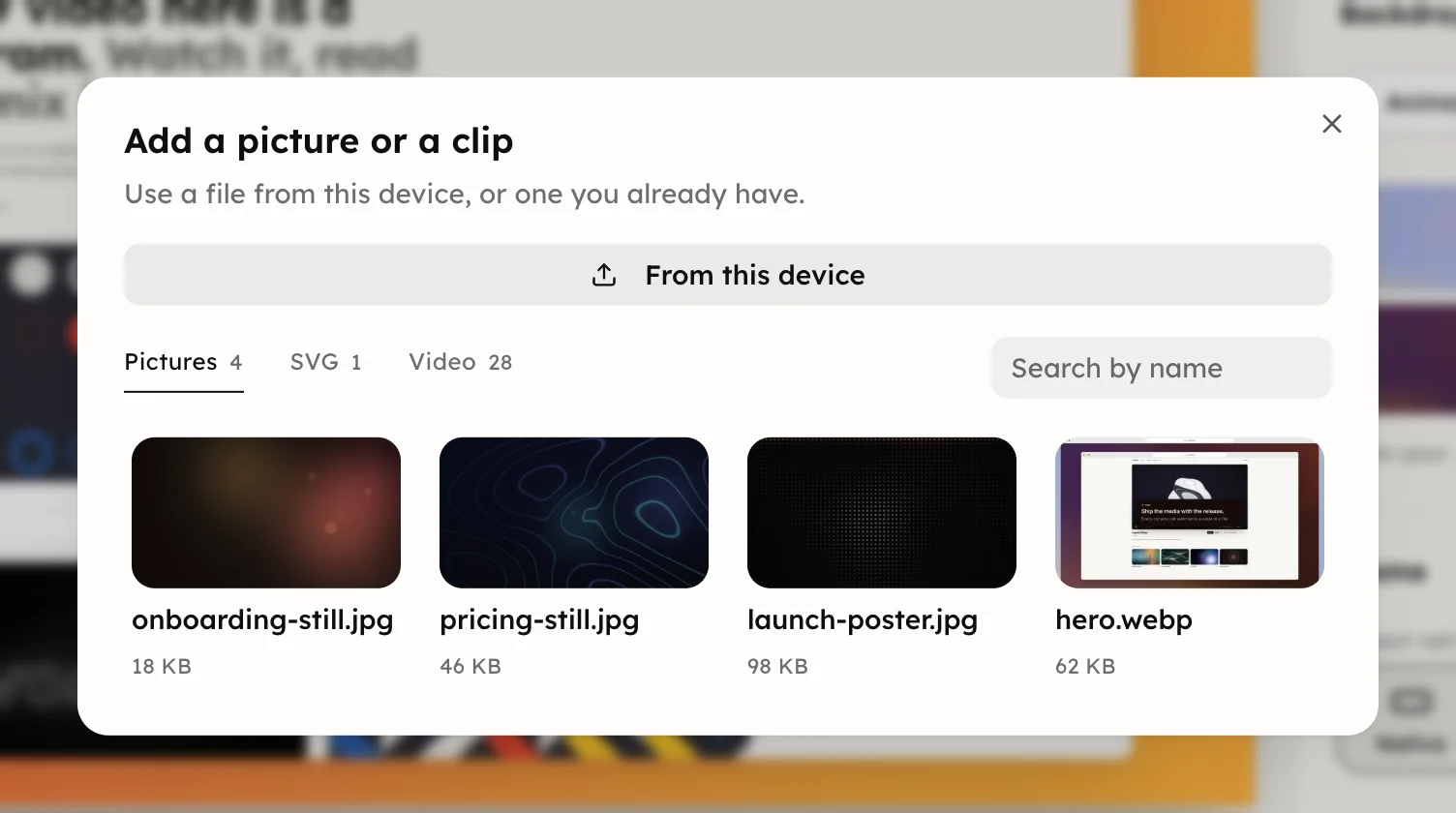
The picker opens when you are signed in and have a picture or a clip on file. With none, Media opens your device's file dialog straight away.
- From this device picks a new file. It is uploaded when you save.
- The kinds switch what is listed, each with its count: Pictures, SVG and Video.
- Search by name narrows the list, which shows the newest sixty of a kind.
A program's control can hold a file too, such as its logo. On the Controls page, press Replace on that control and choose a file the same way.
A backdrop takes the same files. On the backdrop's Media tab, press Choose from your files; see Backdrop.
Sound has its own list, the Uploads tab of the Sound panel; see Soundtrack. Everything you hold, with what uses each file, is on the Files page.