Export

The program itself

Download a program as a self-contained HTML page, its source config, or a PNG frame.

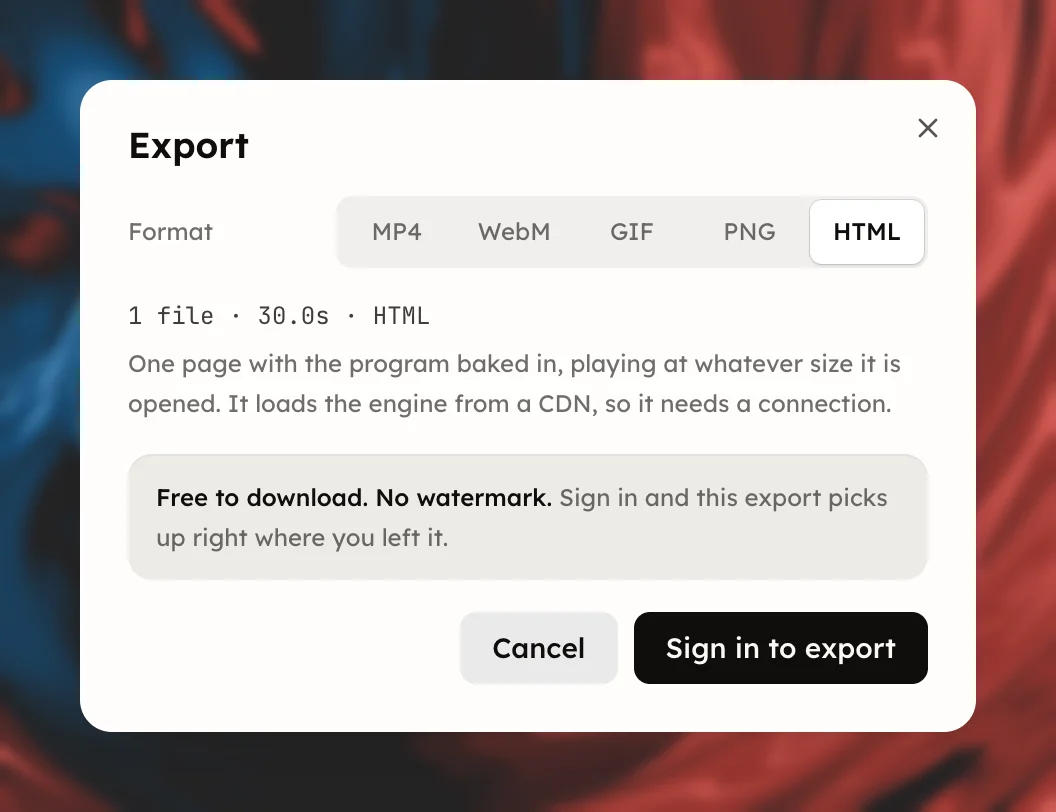
Pick HTML or Config under Format in the Export dialog to download the program itself instead of a video. Neither encodes anything, so neither asks about quality or frame rate.

The Export dialog with the HTML format chosen
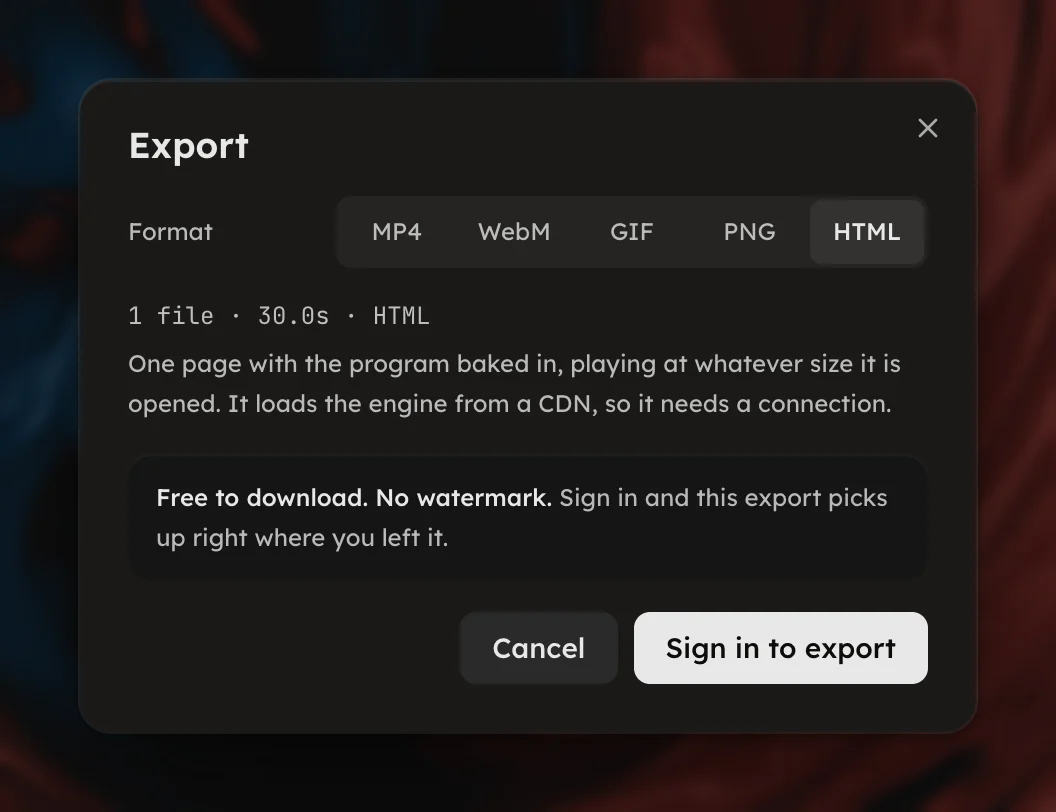
  • HTML is one page with the program baked in, playing at whatever size it is opened. It loads the engine from a CDN, so it needs a connection. The button reads Download HTML and the facts line 1 file · 12.3s · HTML.
  • Config is the program source. Open it in the studio, hand it to an agent, or keep it as a backup. The button reads Download config and the facts line 1 file · JSON.
  • PNG saves the frame showing right now, at preview size, with Save PNG. It is the one still format a program offers; a recording offers PNG and Stills.

HTML and Config are offered for programs only. A recording has no program to hand over; export it as a video instead, see Export a video.