Publish
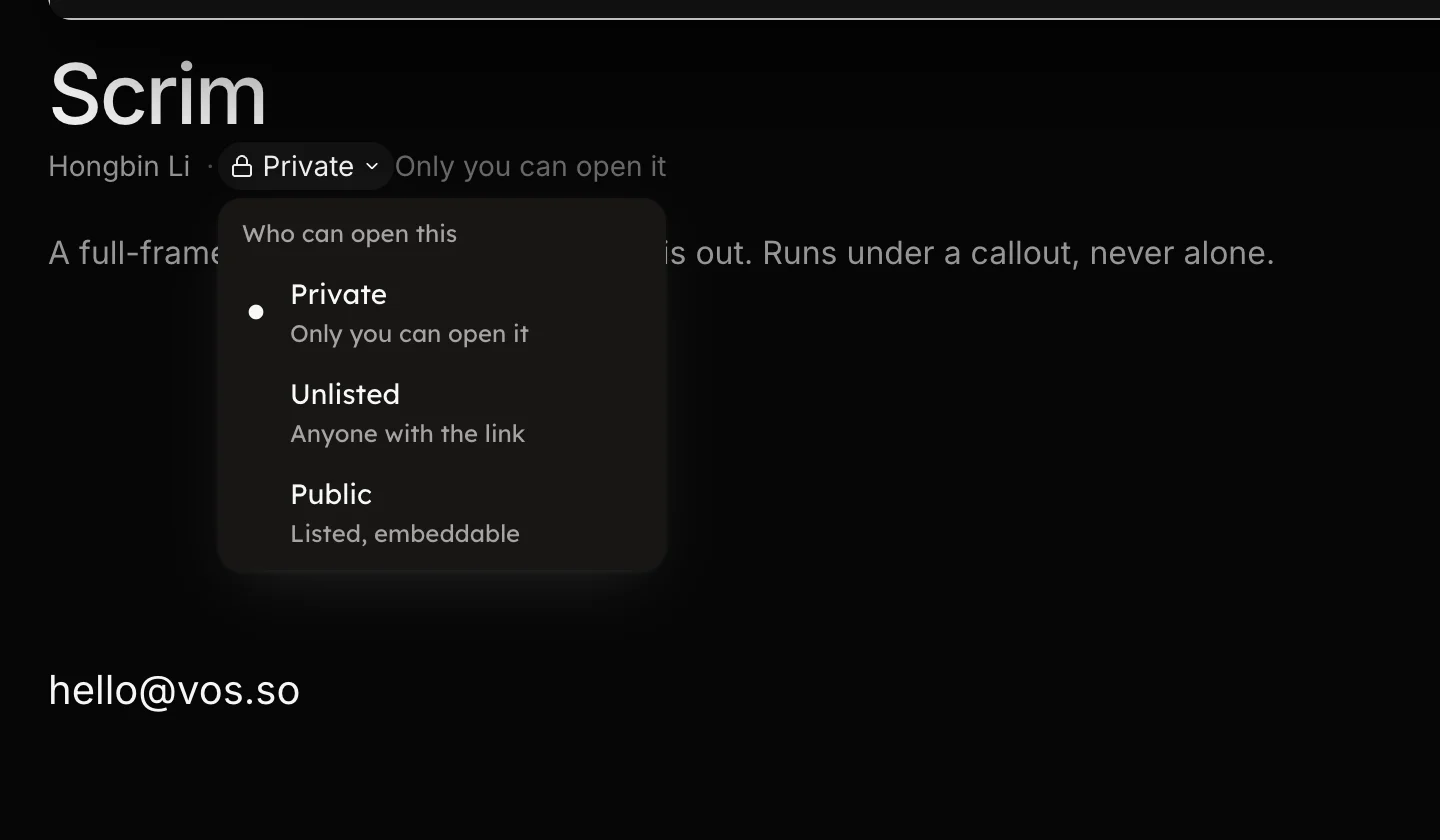
Save to your projects, then choose who can open it: private, unlisted or public.
Save to your projects, then choose who can open it: private, unlisted or public.
Press Save in the topbar to keep the work on vos.so. The dialog is Save to your projects.
Press Save. Saving never leaves the editor: the studio stays open on
the same work, the address becomes /studio?vos=<id>, and every edit from
here keeps saving to it; see
Save and autosave. The confirmation offers
Keep editing and Copy link.
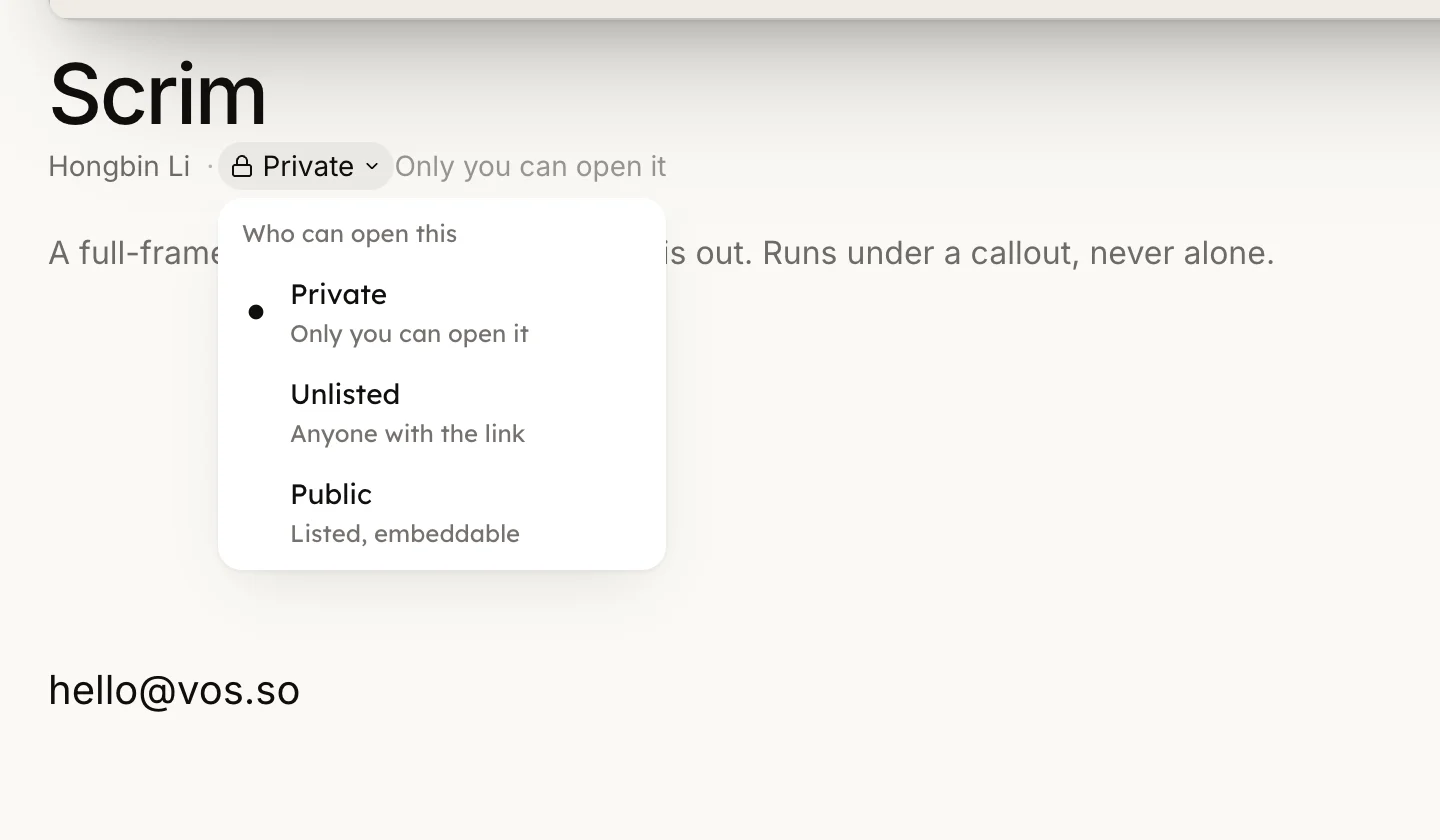
The visibility menu sits on the watch page byline when you own the vos, and on its row menu on the Projects shelf.
Setting a vos back to private confirms: Set to private. Only you can open this page now. Publishing is yours alone: an agent working with your key can save and edit, but can never make a vos public.
When an agent pushed the work without an account, it hands you a claim link. Claim this video moves it into your projects; Claim and share also sets it to Unlisted and opens its watch page, the link to post. Either way it is your press, never the agent's.
Every save renders its own preview and thumbnail in the cloud, whoever made it, and each version keeps its own thumbnail. The page a visitor sees is on The watch page.