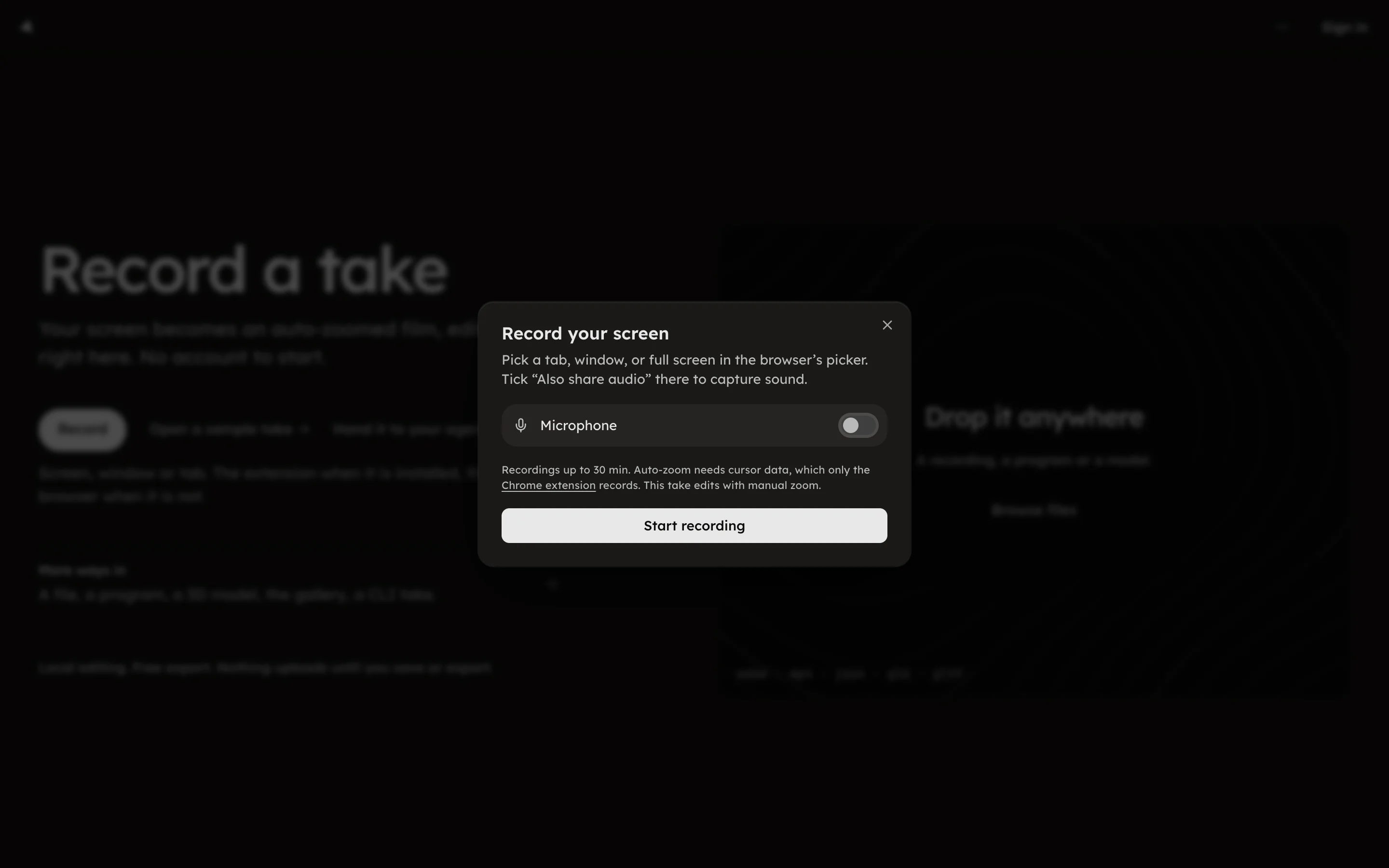
Record without the extension
The studio records through the browser's own screen capture, with manual zooms.
The studio records through the browser's own screen capture, with manual zooms.
Without the extension, pressing Record in the studio opens the Record
your screen dialog; /studio?record=browser opens it directly. It uses
the browser's own screen capture, so it works outside Chrome too.
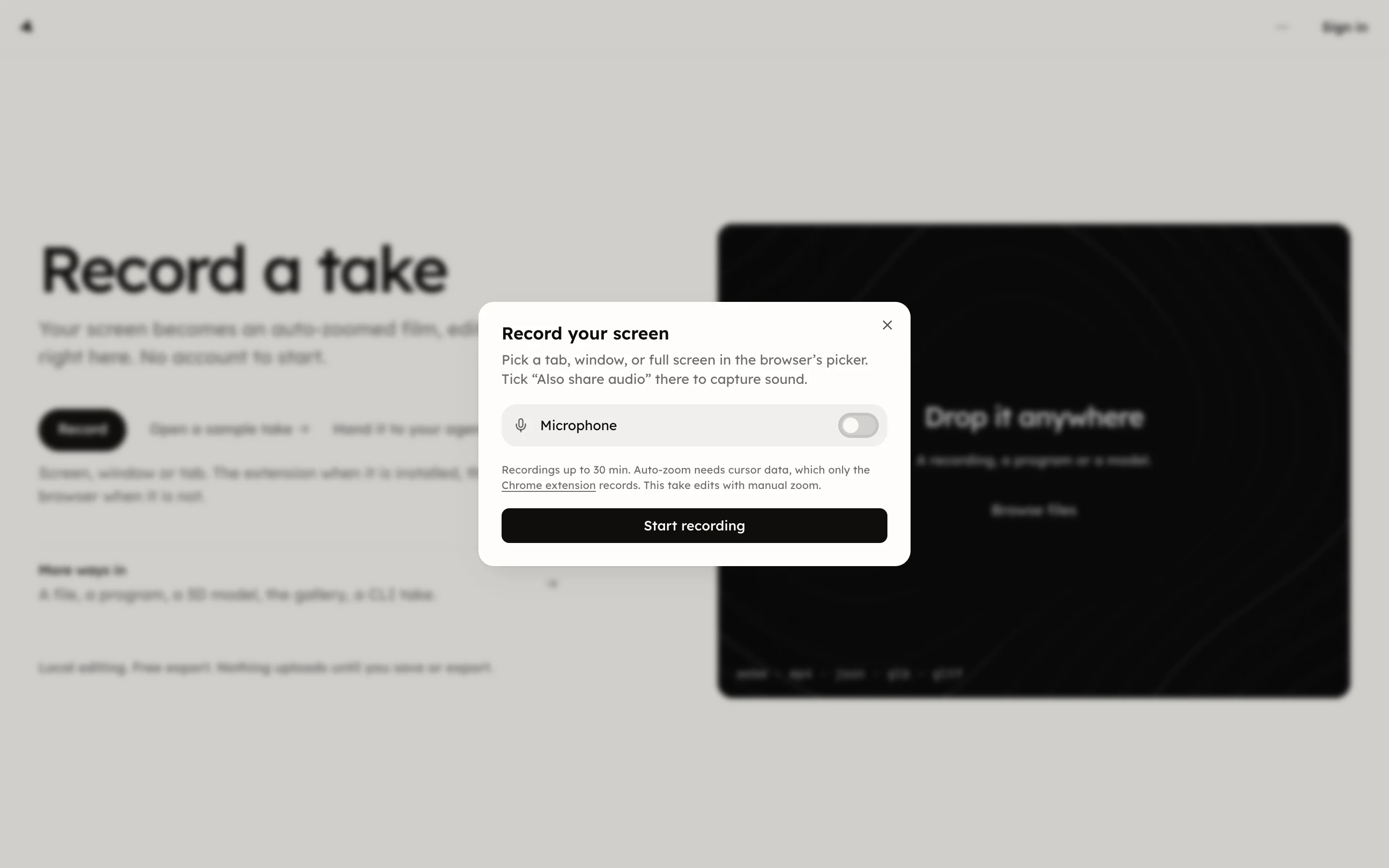
Press Start recording. While recording, the dialog shows a timer and reads Recording. Come back here to stop, or use the browser's Stop sharing bar. Press Stop to keep the take or Discard to throw it away. The studio then shows Preparing your take and opens it.
Recordings run up to 30 minutes. This recorder captures no cursor data, and auto-zoom needs it, so the take edits with manual zooms; see Add and delete zooms. For auto-zoom, record with the Chrome extension.
A browser that cannot capture the screen says so: This browser can't capture the screen. Record with the Chrome extension instead.