Zooms
What the Camera row plans from your clicks and typing, and what a re-plan keeps.
What the Camera row plans from your clicks and typing, and what a re-plan keeps.
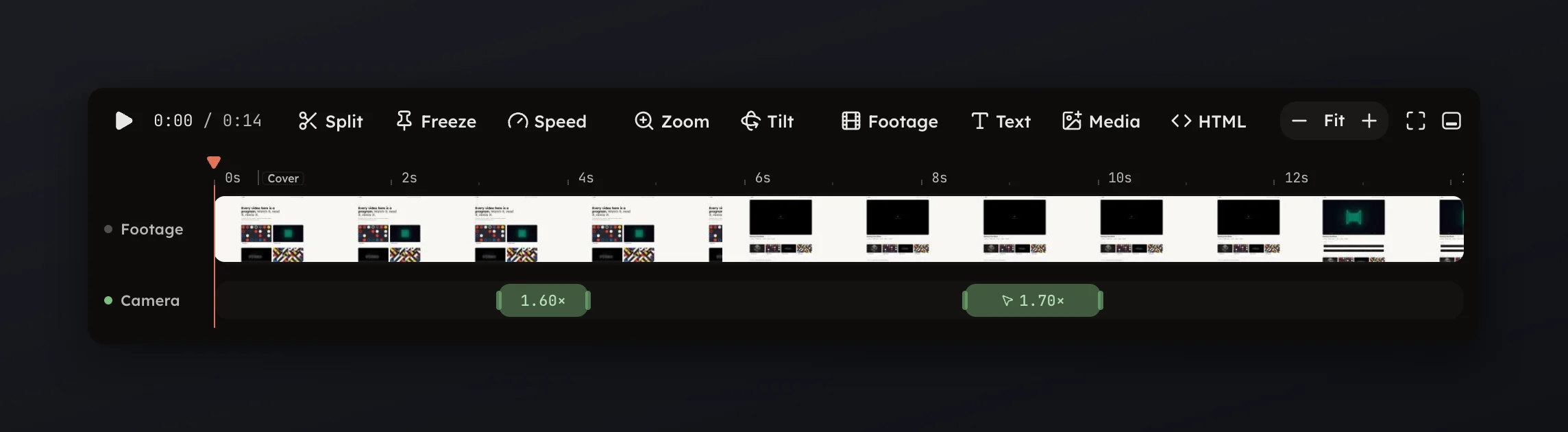
The Camera row shows one zoom for every click cluster and every typing passage in the recording's cursor track. A take is a recording plus its cursor track and edits, and the studio plans these zooms the moment the take opens.
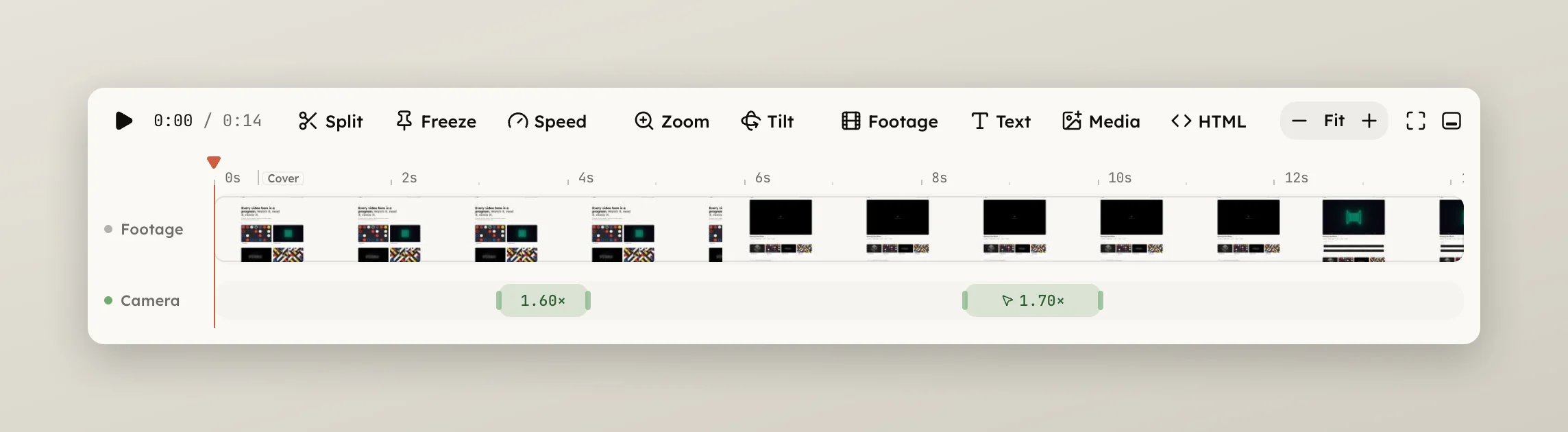
The Camera page in the rail says what it planned, in one line: how many zooms came from your clicks and how many you added yourself. Press Clear in its header to remove the planner's suggestions; zooms you have edited stay.
A zoom you edit is yours. Picking another style on the Camera page re-plans the automatic zooms and keeps every one you touched, see Camera styles. A planned zoom you delete is not proposed again.
A take with no cursor track gets no automatic zooms: a video file dropped onto the studio, or a take from the in-page recorder, which does not record the cursor. Add your own on the timeline, see Add and delete zooms.