Save and autosave
Save to your projects once, then drafts and checkpoints keep it saved for you.
Save to your projects once, then drafts and checkpoints keep it saved for you.
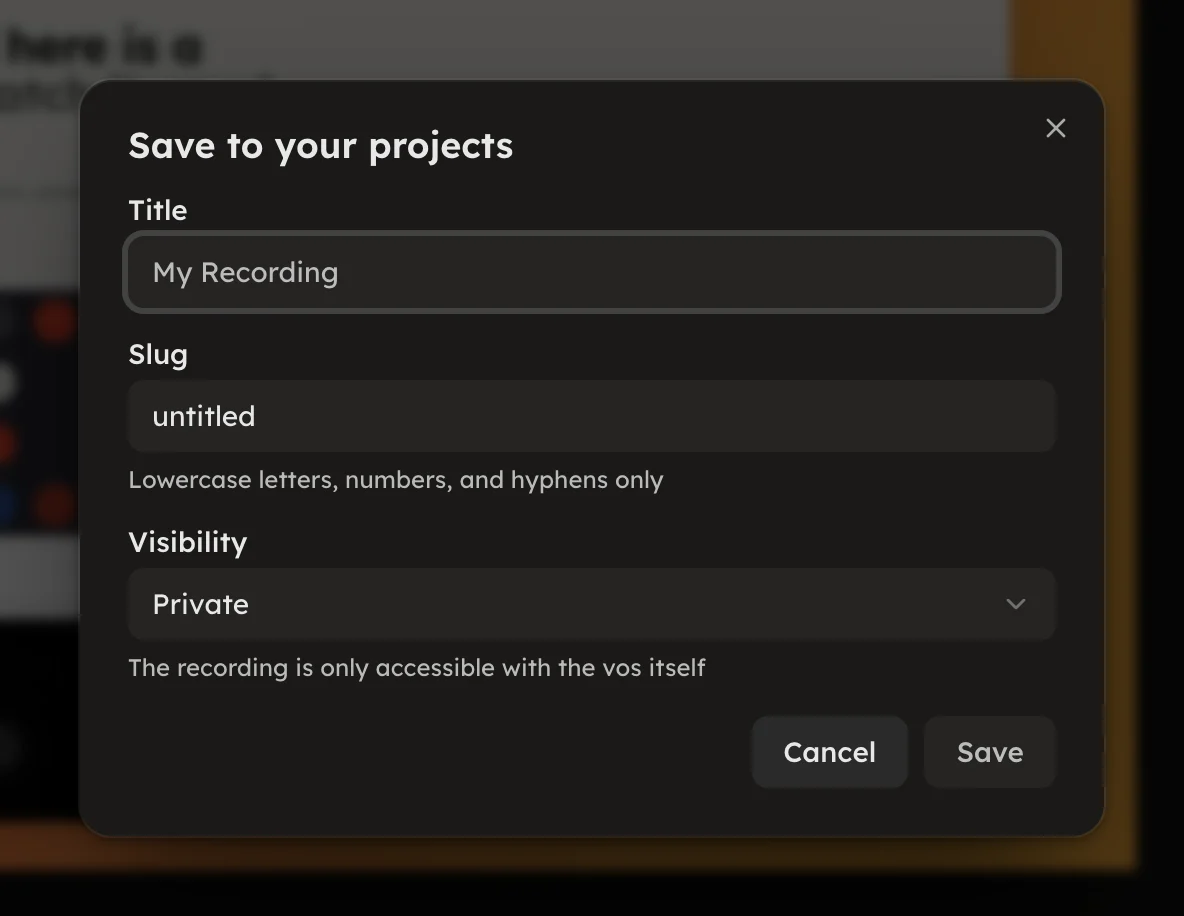
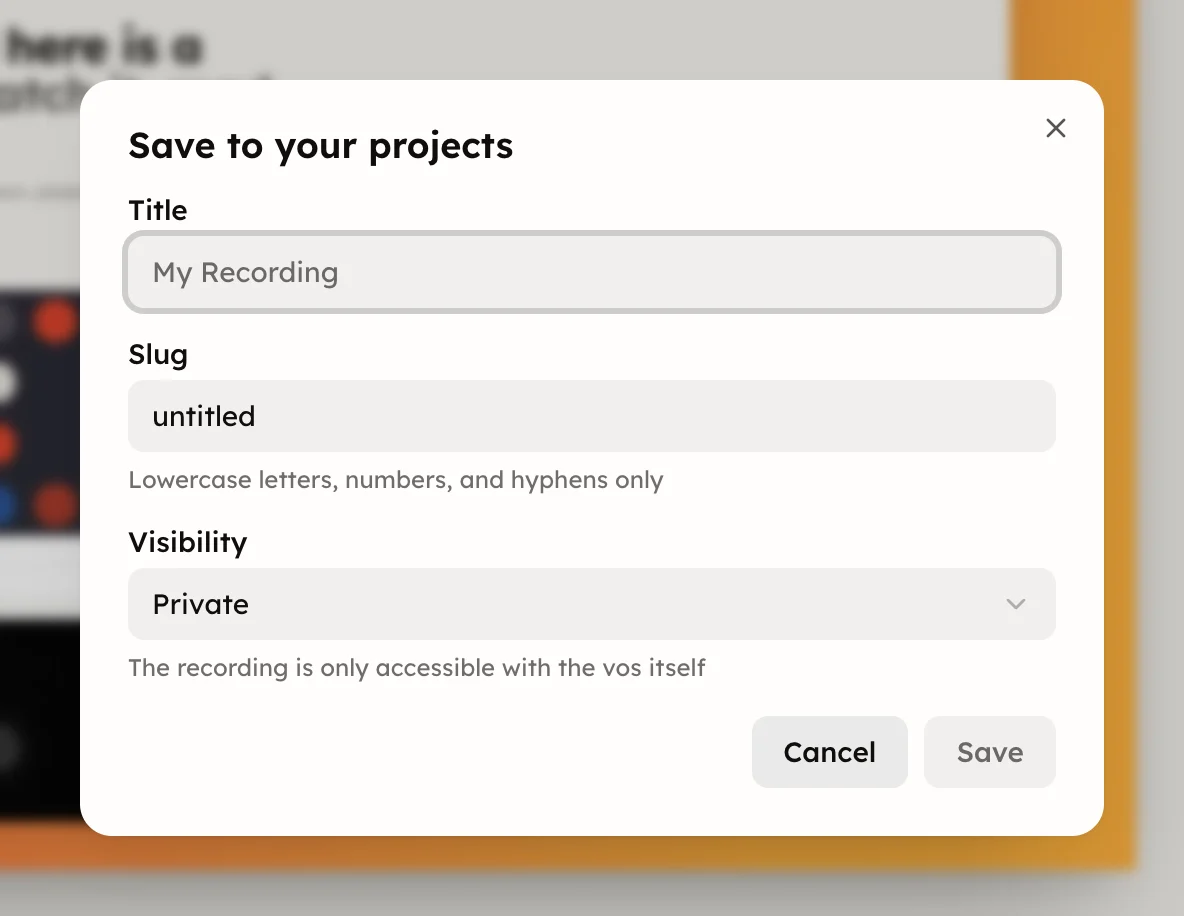
Press Save in the topbar, or ⌘S, to save the document to your
projects. The dialog asks for a Title, a Slug (lowercase letters,
numbers and hyphens) and a Visibility: Private by default, Public or
Unlisted. A recording is only accessible with the vos itself.
Saving never leaves the editor. The document gets a watch page you can share, and every edit from here keeps saving to it. Save becomes a cloud glyph; press it to open History.
⌘⌥S makes one now and opens History.⌘S sends the draft at once. It never makes a version.Offline in its place means the draft could not reach vos.so; it stays on this device and retries on your next edit. Checkpoint paused means a version landed while you edit; open History to review.
The name is the topbar's first line; retype it to rename the project without making a version.
On someone else's work the button reads Save a copy, and the draft stays on this device until you press it; see Remix and duplicate. The free plan allows 10 new saves per rolling 24 hours and 20 private voses at once.