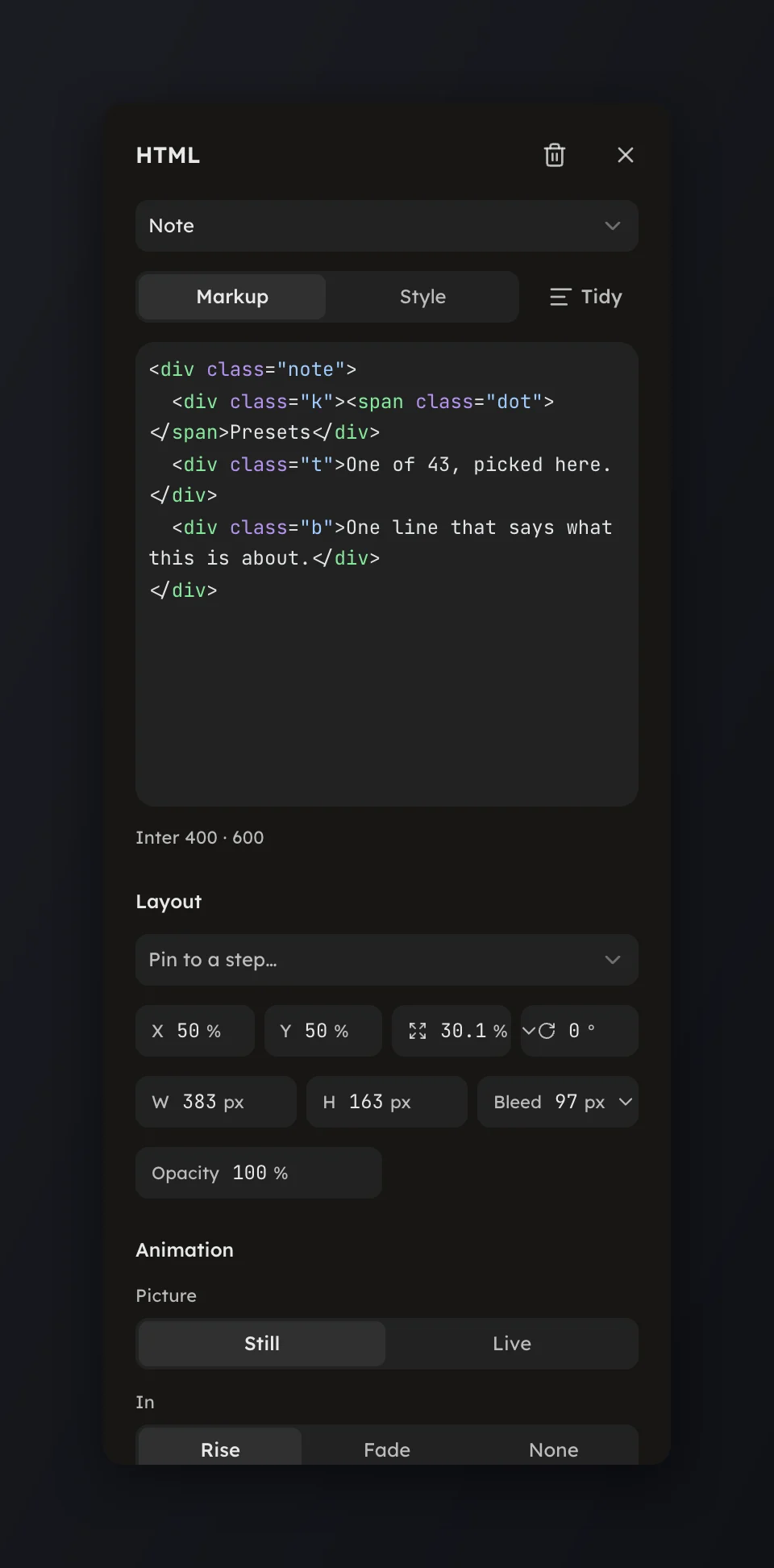
Live layers
An HTML layer drawn again for every frame, so its keyframes and placeholders follow the clip’s own clock.
An HTML layer drawn again for every frame, so its keyframes and placeholders follow the clip’s own clock.
Set Picture to Live in an HTML layer's Animation group and the layer is drawn again for every frame it is on screen, at the clip's own time.
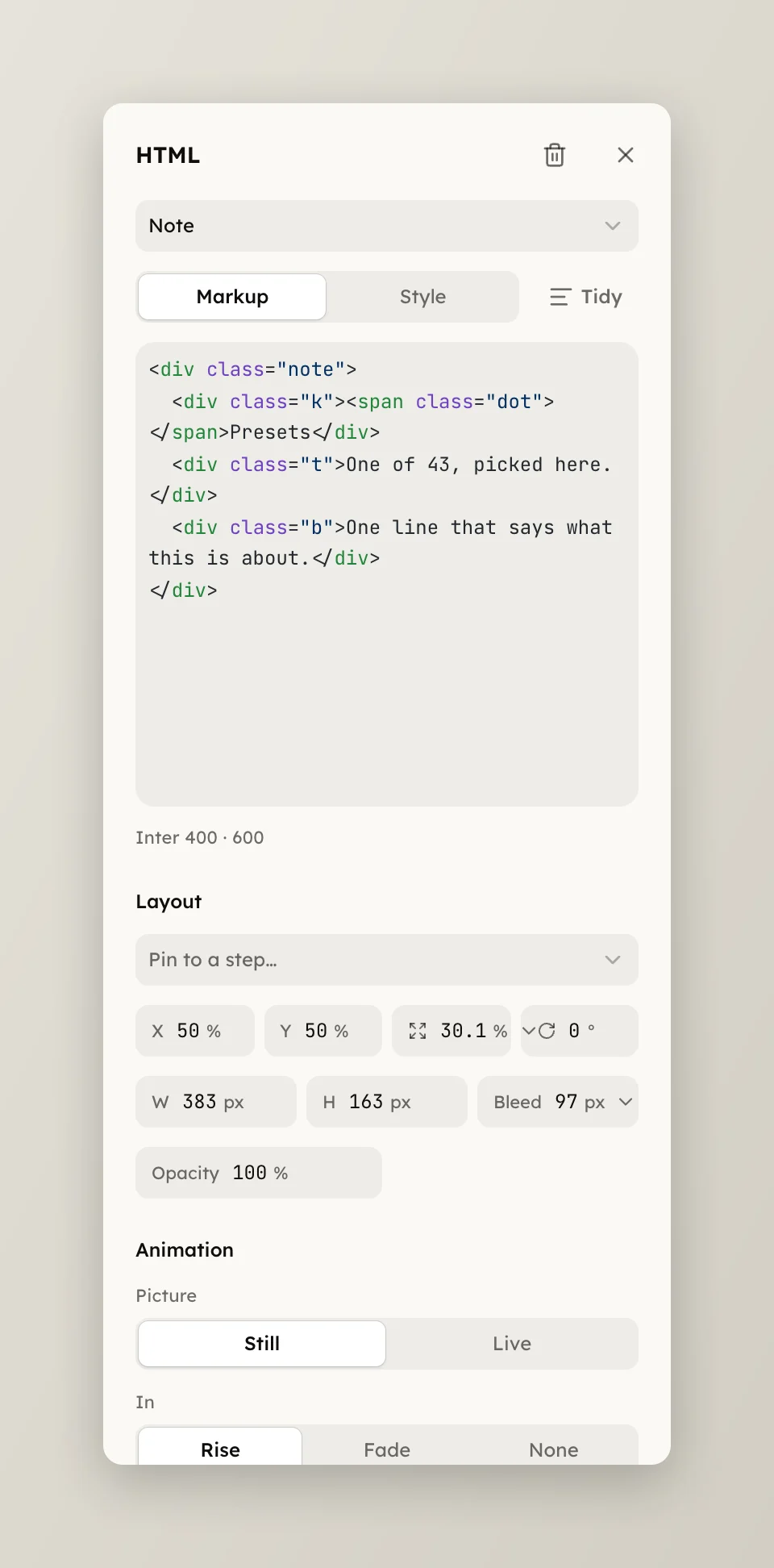
A still layer is rasterized once. A CSS animation inside it would run on the wall clock from the moment the picture decoded, so an export rendered in parallel would catch it at an arbitrary phase. A live layer reads the clock the frame asks for, so the preview, a still and every export chunk agree.
Two things move with the clock:
@keyframes. The layer is laid
out at exactly the clip's time, so a progress bar that fills over four
seconds is a quarter full at one second. Fold any animation-delay into
the keyframes; the scrub overrides it.{{t}} is the clip's time in seconds and
{{data.name}} a value from the clip's data: a counter, a timestamp, a
typed label. Values are written as text, never as markup.The clock is the clip's own: t is zero at the clip's start, whatever the
timeline reads. Scrub, trim or speed the take and the layer follows.
Move the layer with its own motion keyframes, never its words with CSS. The browser places text on whole pixels each time it draws, so text a keyframe drifts or scales slowly steps a pixel at a time, while a layer with motion keyframes is drawn once per picture and glides.
A live layer costs one draw per frame while it is on screen, a few milliseconds even for a full-frame card at 4K. The fields and a worked example are on HTML layers in doc.json.