Cursor and clicks
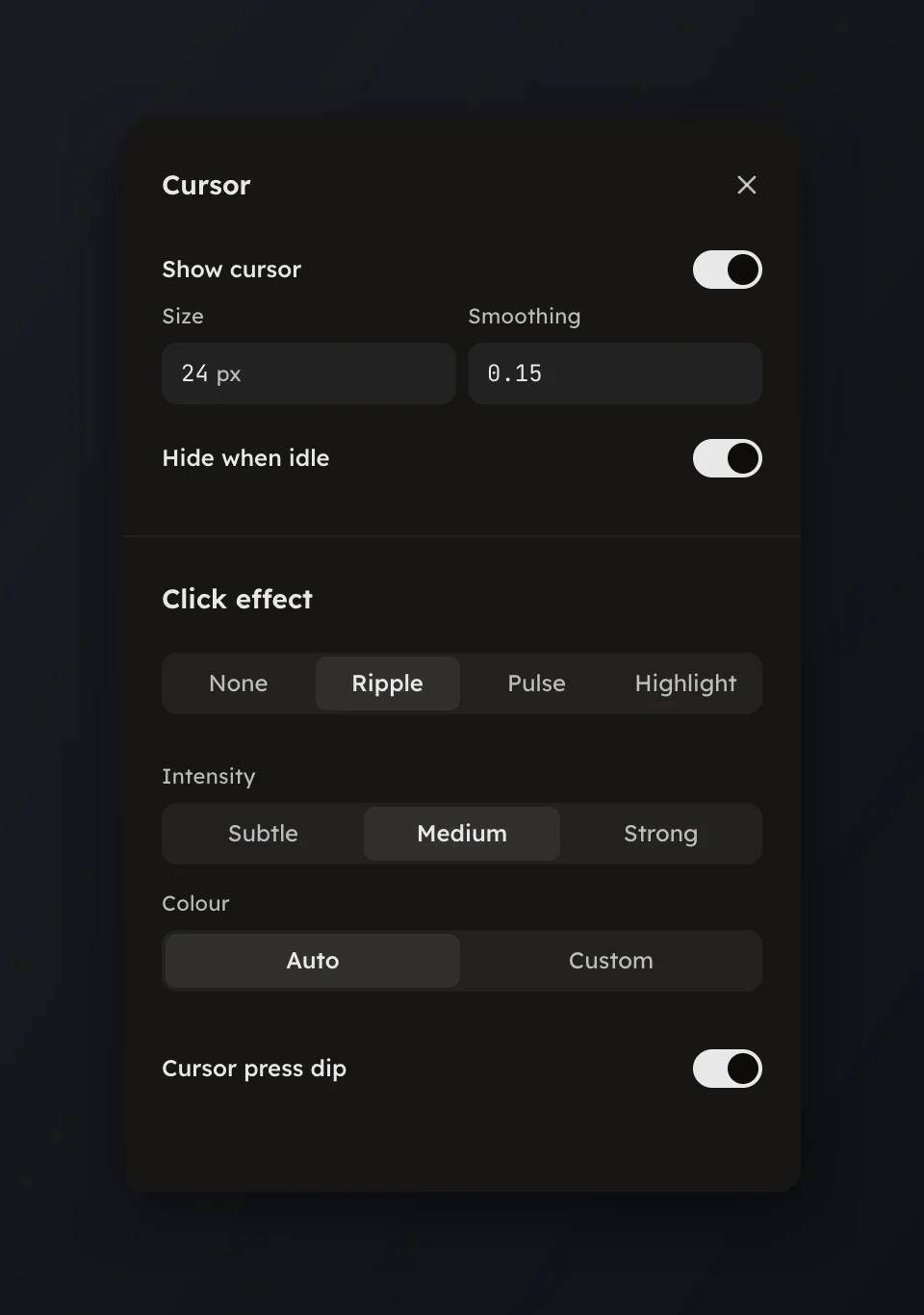
Size and smooth the drawn pointer, hide it when idle, and pick a click effect.
Size and smooth the drawn pointer, hide it when idle, and pick a click effect.
Open Cursor in the rail to set how the recorded pointer is drawn and what happens at each click. The page appears only for a take with a cursor track.
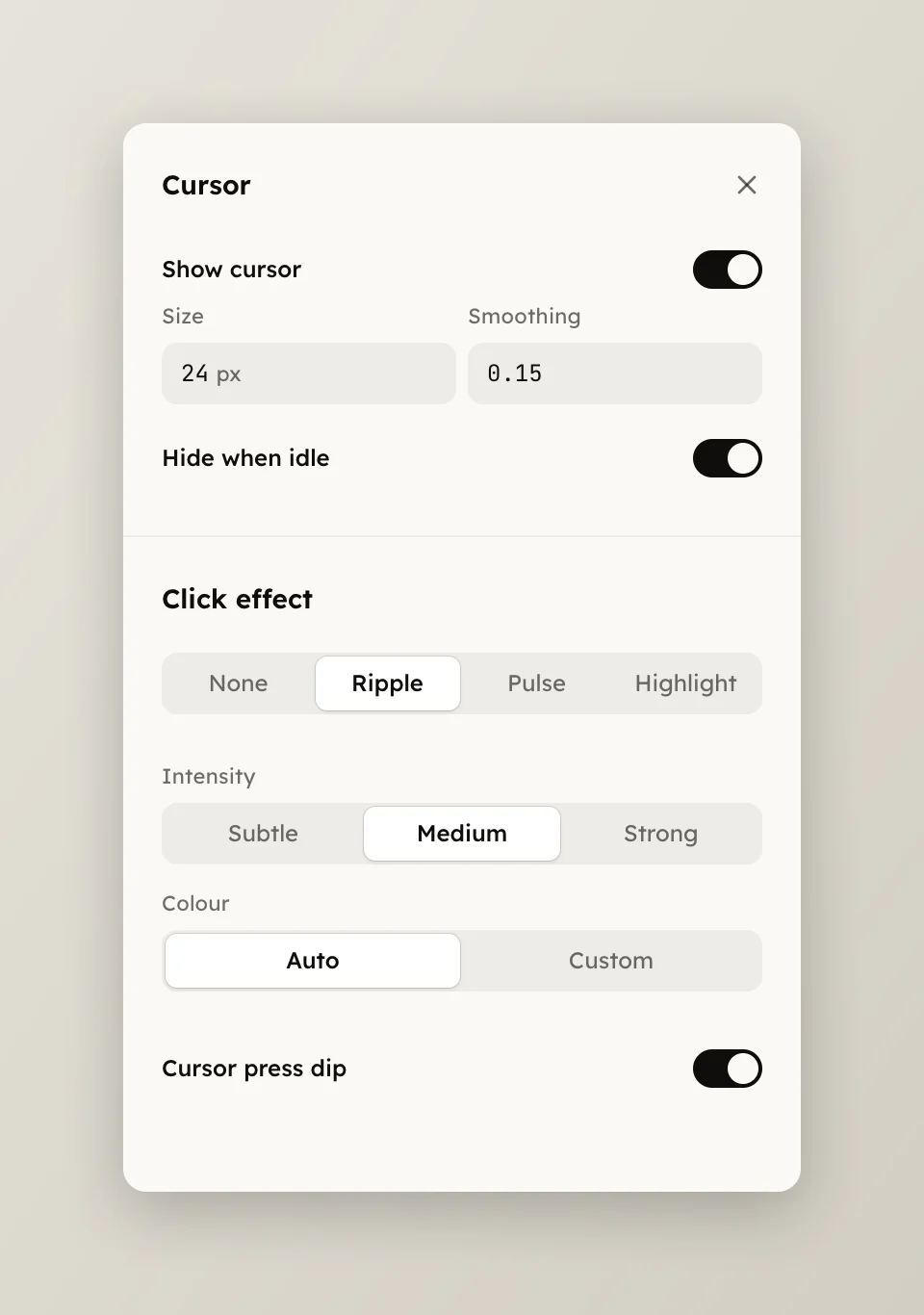
The Click effect section appears when the take has clicks.
The pointer is drawn from the cursor track, not from the recording's pixels, so it stays sharp inside a zoom and the click effect rings under it at the same level.