Embed a vos
Copy the embed code from a public watch page, or paste its link into a site that speaks oEmbed.
Copy the embed code from a public watch page, or paste its link into a site that speaks oEmbed.
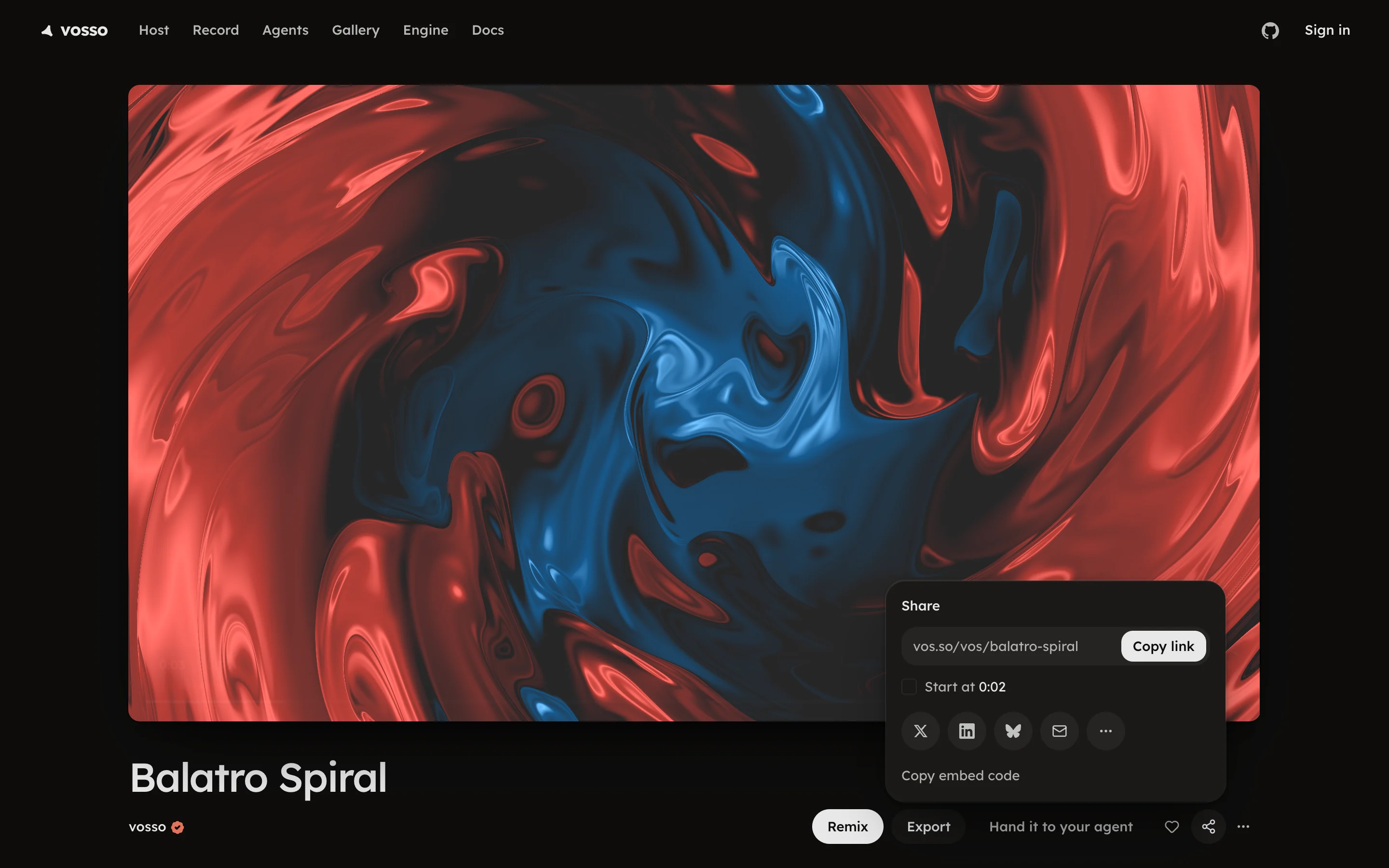
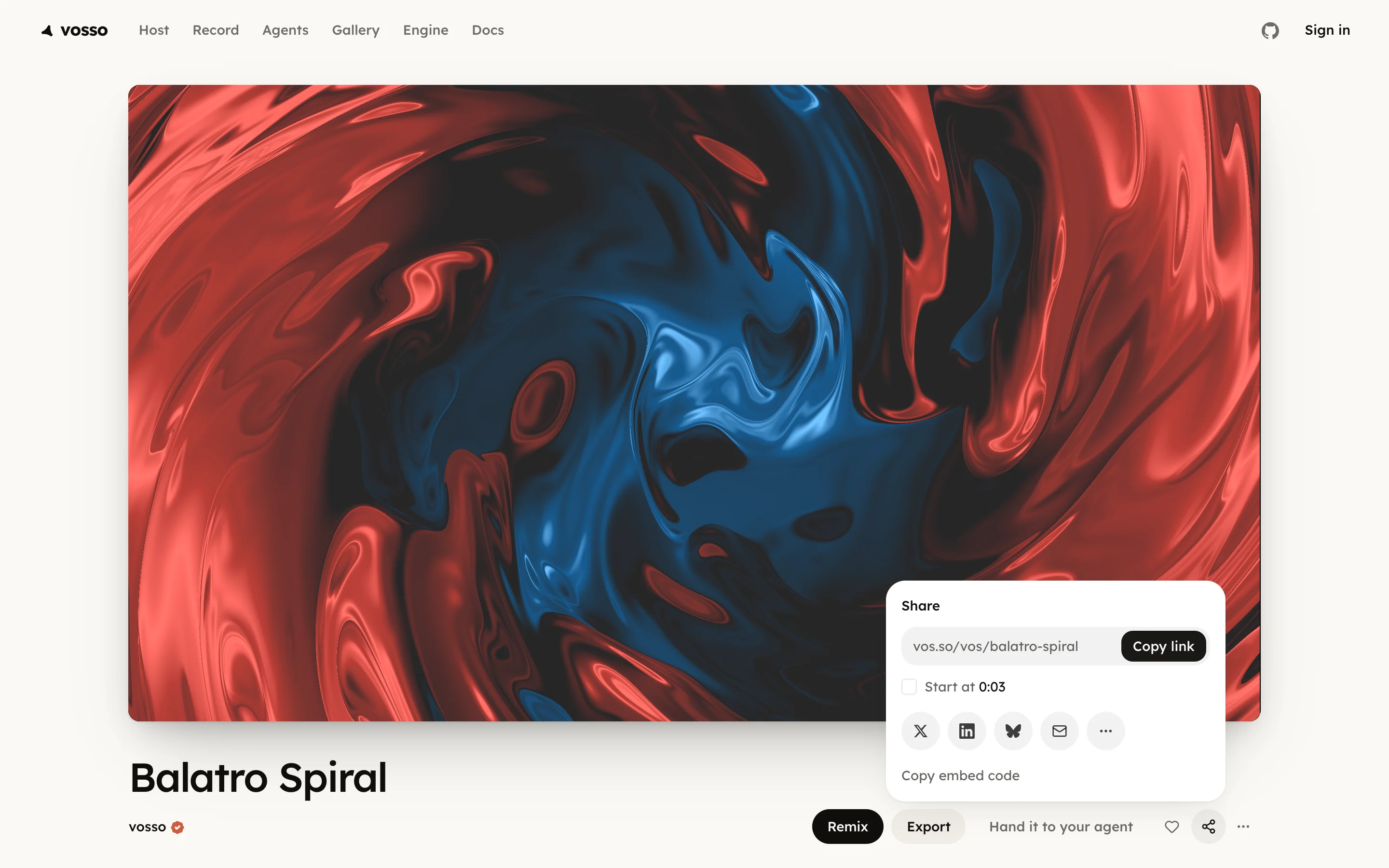
Press Share on a watch page, then Copy embed code at the foot of the panel, and paste it into your page. It confirms Embed code copied.
The code points at vos.so/embed/vos/<id>, the bare player with no page
around it, sized to the vos's own frame. It plays public and unlisted voses,
so a private one needs a new visibility first; see
Publish. The same verb sits on the vos's row menu on
the Projects shelf as Copy embed. A play on your page counts as a view;
add ?dnt=1 to the address to count none.
A site that speaks oEmbed needs no code at all. Paste the watch page's
address into it and the player embeds on its own, resolved through
vos.so/api/oembed.
Every public or unlisted vos has addresses you can write by hand, with no API call:
| Address | What it is |
|---|---|
vos.so/v/<id>/poster.webp | the still |
vos.so/v/<id>/preview.webm | the 3 s preview loop |
vos.so/v/<id>/video.mp4 | the full video, up to 2 minutes |
vos.so/v/<id>/card.png | the 1200x630 share card (public only) |
vos.so/v/<id>/meta.json | its title, frame, length and the addresses above |
Each follows the newest version, within a minute of a save. An older version has no address, so a fix replaces what everyone sees.