Trim and split
Trim a clip by its edges, split it at the playhead, and nudge it by keys.
Trim a clip by its edges, split it at the playhead, and nudge it by keys.
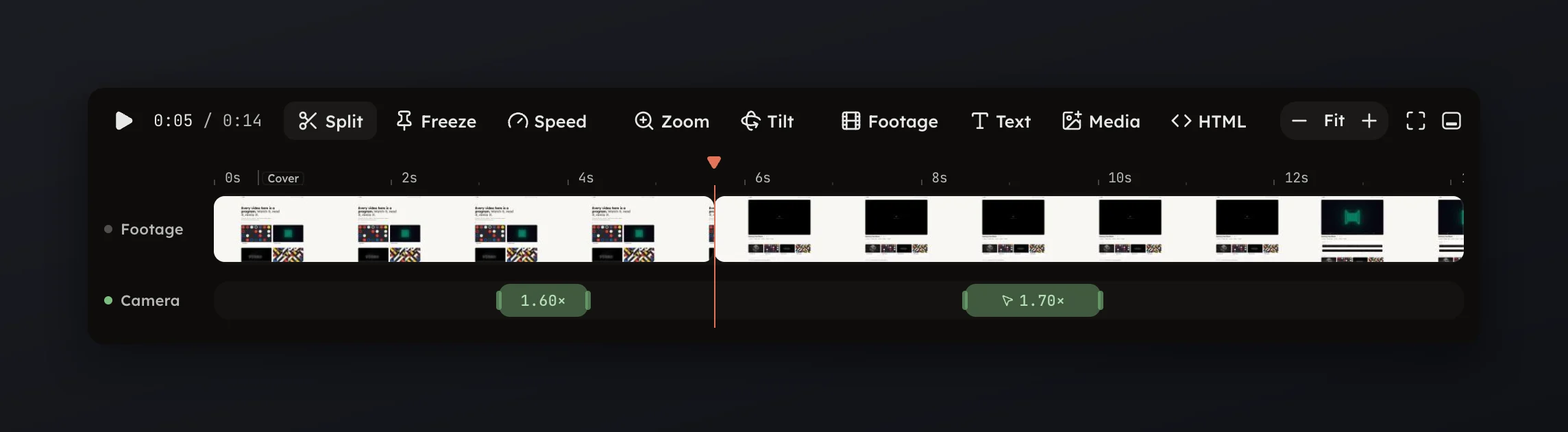
Drag a clip's edge on the Video row to trim it; drag its body to move it. Press Split in the timeline toolbar to cut the footage at the playhead into two clips.
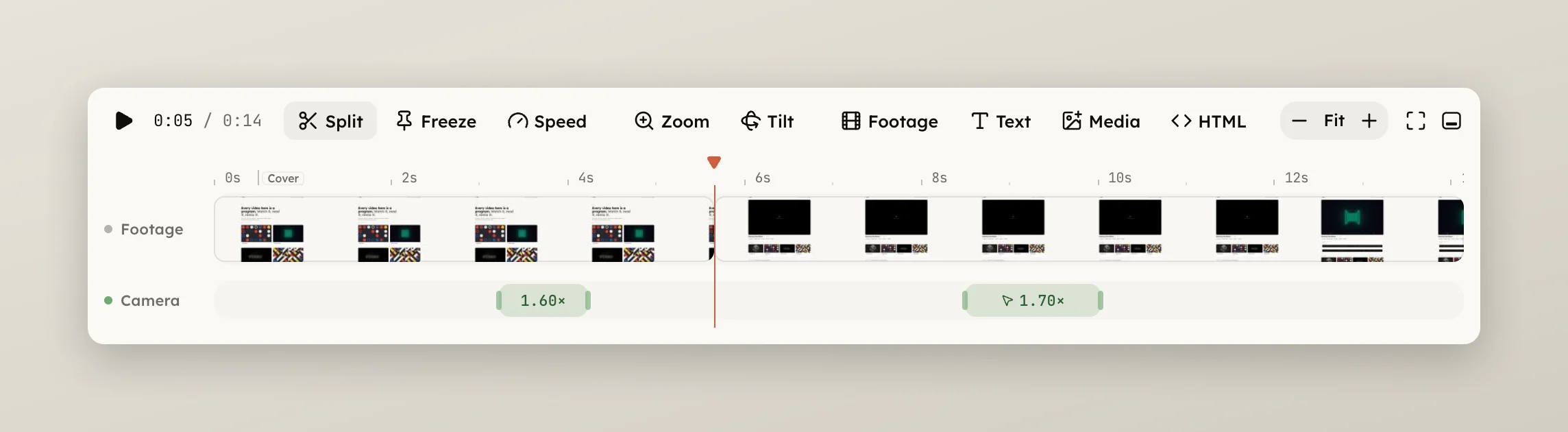
Right-click the footage for the same and more.
⌫ does.← and → nudge the selected clip by 0.05 s, or 0.5 s with ⇧; , and
. nudge one frame, or ten with ⇧.
Selecting a clip opens the Recording panel. With no transition set it says what a clip can do: trim its edges, split it at the playhead, or drag a range for the chips, and freeze a frame with the Freeze verb. To take a stretch out of the middle, drag across it and press the Cut chip; see Range chips.