Make your first video
Record your screen, let the studio plan the camera, and export a finished clip.
Record your screen, let the studio plan the camera, and export a finished clip.
Record your screen, let the studio plan the camera, adjust a zoom, export. No account is needed until the export itself.
Record
Install the vosso recorder and click its icon on the tab you want to record. Pick a microphone and a camera or leave both off, then press Record. Click the icon again to stop, and the take opens in the studio. Record a tab has the details, and a video file you already have can be dropped onto /studio instead.
Look at the camera the studio planned
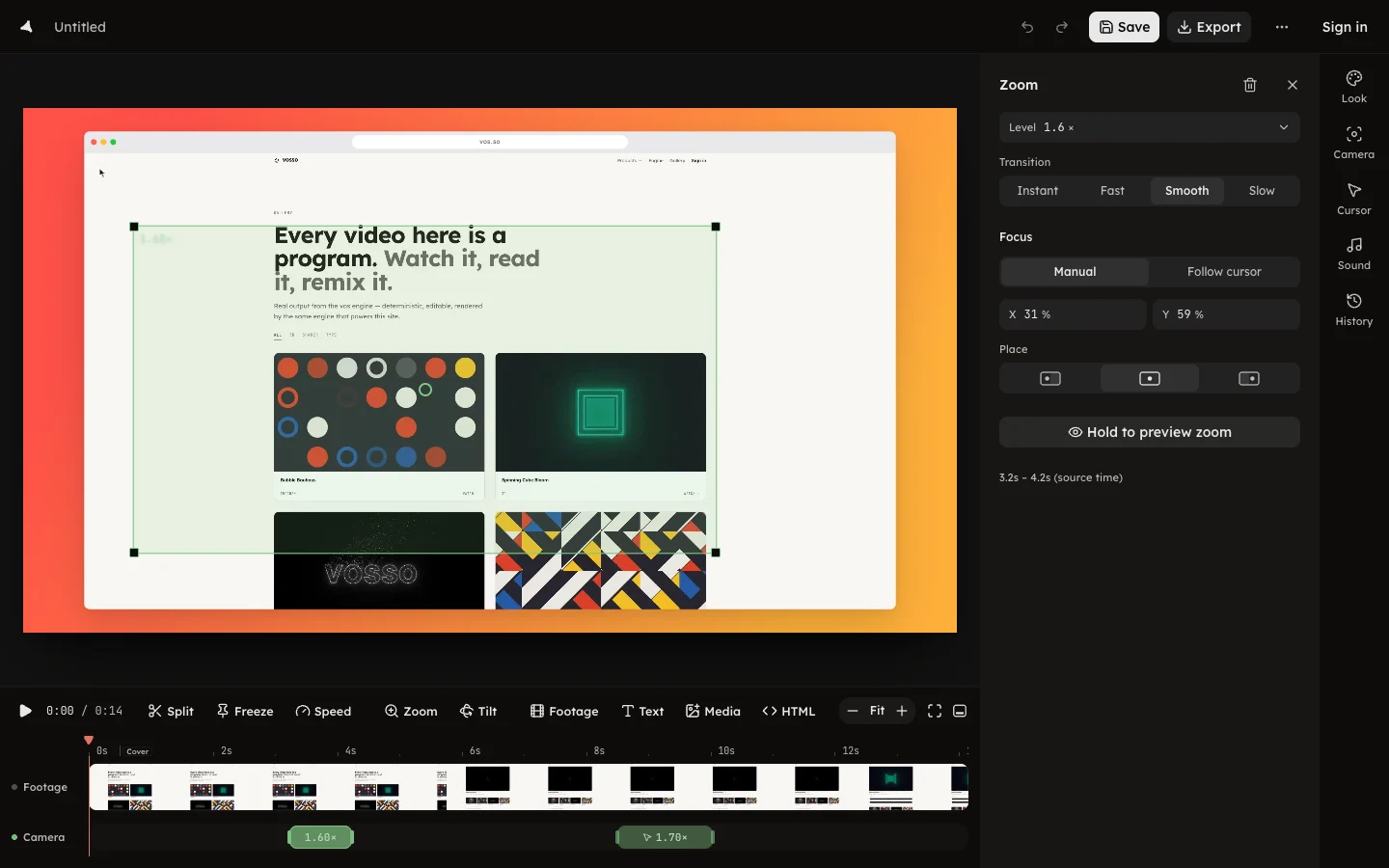
The Camera row holds a zoom for every click and every typing passage the recording carried. Press play and watch it once through before you touch anything.
Adjust a zoom
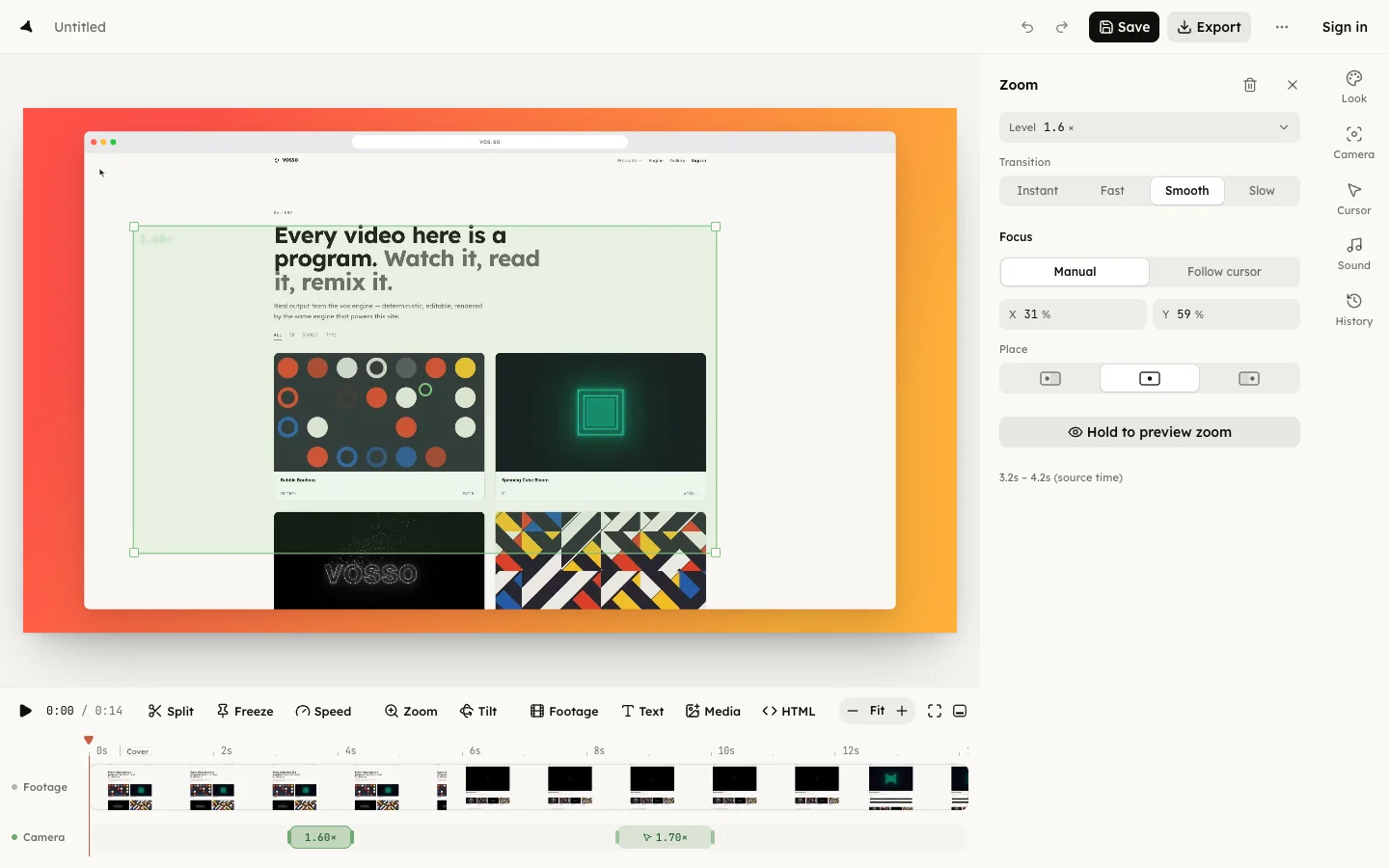
Select a zoom and drag its green rectangle on the canvas to aim it; drag a corner to change how far it pushes in. Drag the span's edges on the row to change when it starts and ends. Delete the ones you do not want.
Export
Press Export, pick a format and a quality, and read the line that says exactly what the button will produce. Exporting asks for a free account and stays free at every resolution up to 4K, with no watermark.
The take stays open and editable after the export: change a zoom, export again. Save it to your account and it also gets a hosted preview, a thumbnail and a watch page you can share.