Edit › Layers

Card and frame

Aspect ratio, padding, shadow, border and browser frame, and placing the card.

Open Frame in the rail to set the output's shape and how the card, the footage itself, sits in it.
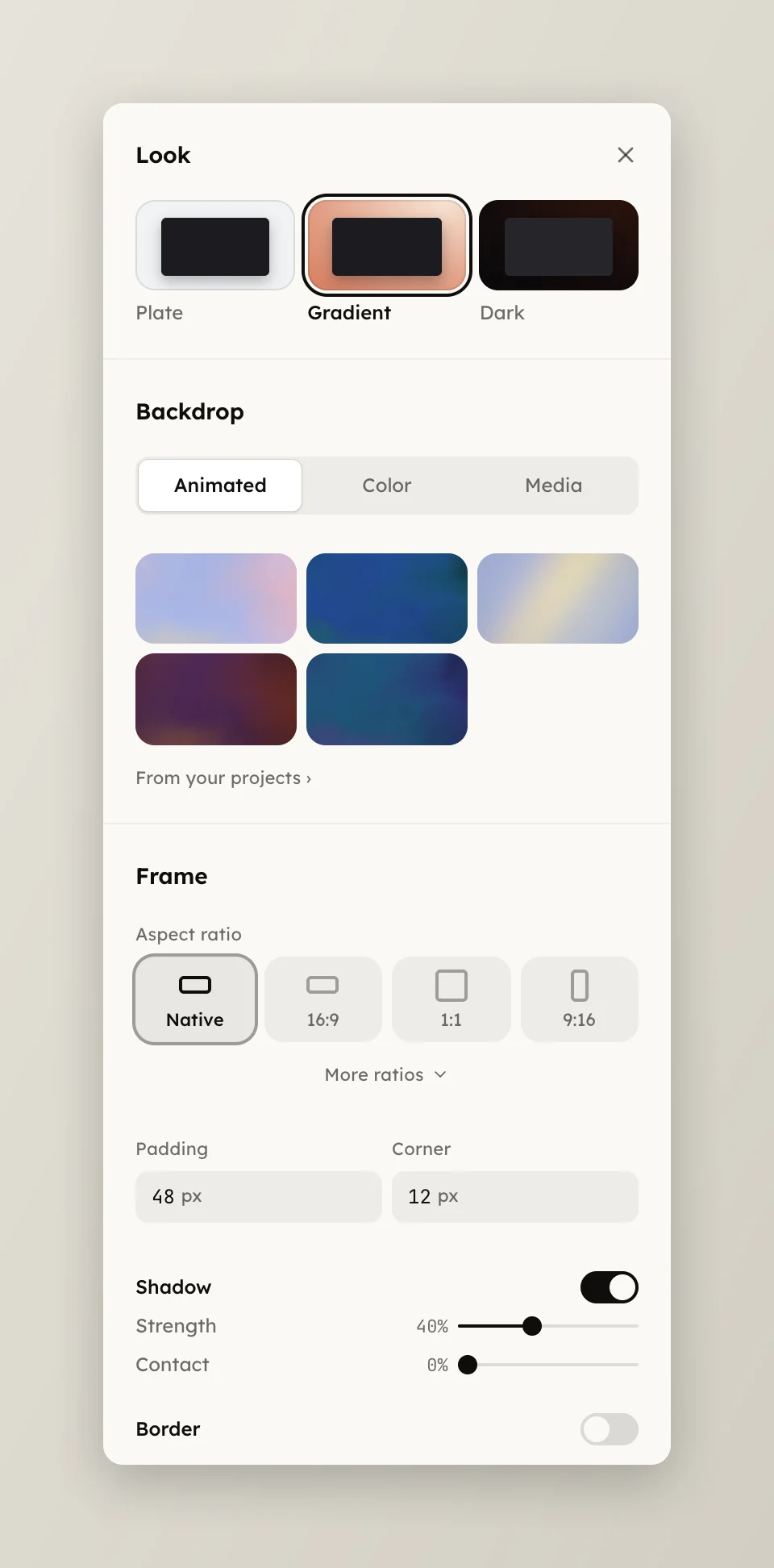
The Frame page with the aspect ratio tiles and padding
  • Aspect ratio is Native, 16:9, 9:16 or 1:1; More ratios reveals 21:9, 16:10, 3:2, 4:3, 3:4, 2:3 and 10:16.
  • Padding is the space around the card, 0 to 200 px. Corner rounds it, 0 to 64 px.
  • Shadow lifts the card, with Strength and Contact 0 to 100 %.
  • Border has a Width 0.5 to 24 px, a Colour and an Opacity. Wider than the padding, it is cropped by the frame edge.
  • Browser frame, on a tab recording, is Default, Minimal or Hidden, plus Original when the take kept the browser's own chrome. Style is macOS, macOS Dark, Windows or Win Dark; a minimal bar picks a swatch. Address bar fills the pill, empty for none.

Select the card on the paused canvas for the Card panel. Drag it to place it, a corner to size it, the grip to lean it. Past the frame edge it bleeds.

  • Center puts the card back inside the frame's padding.
  • X and Y move it, ±100 %; W sizes it, 10 to 300 %.
  • Lean X and Y tilt it up to 20°, its resting pose.
  • Animation is In (Tilt in, Pull out, Rise, Fade, Slide or None) and Out (Recede, Fade or None).

Several media share one frame, each with its own card, see Add footage and transitions.