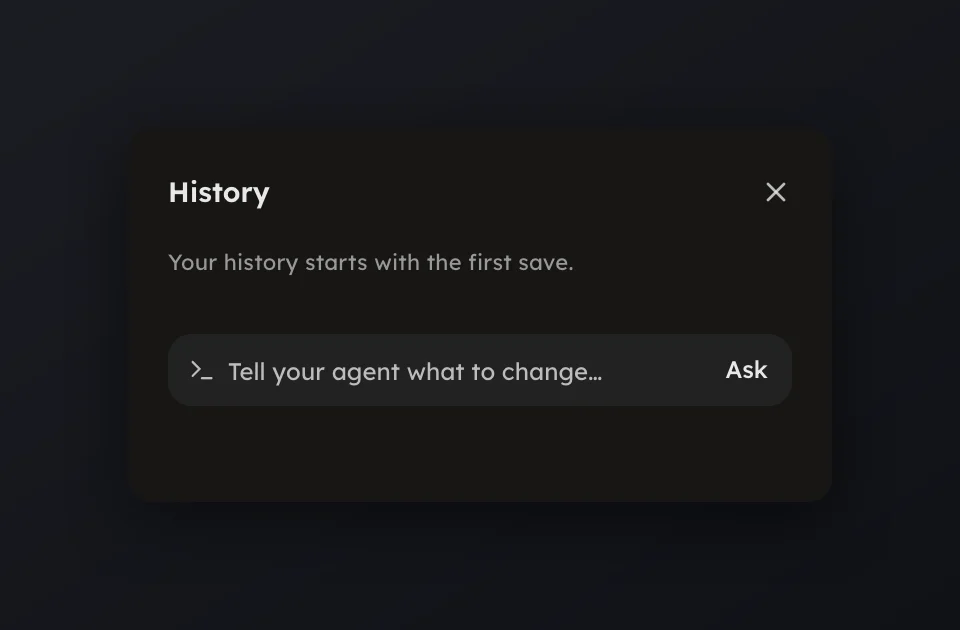
History
Every save is a version: compare, restore, discard edits or revert a push.
Every save is a version: compare, restore, discard edits or revert a push.
Open History in the rail to see every version of the document. Every
save is a version, made on its own at natural pauses while you edit, and on
demand with Checkpoint now or ⌘⌥S.
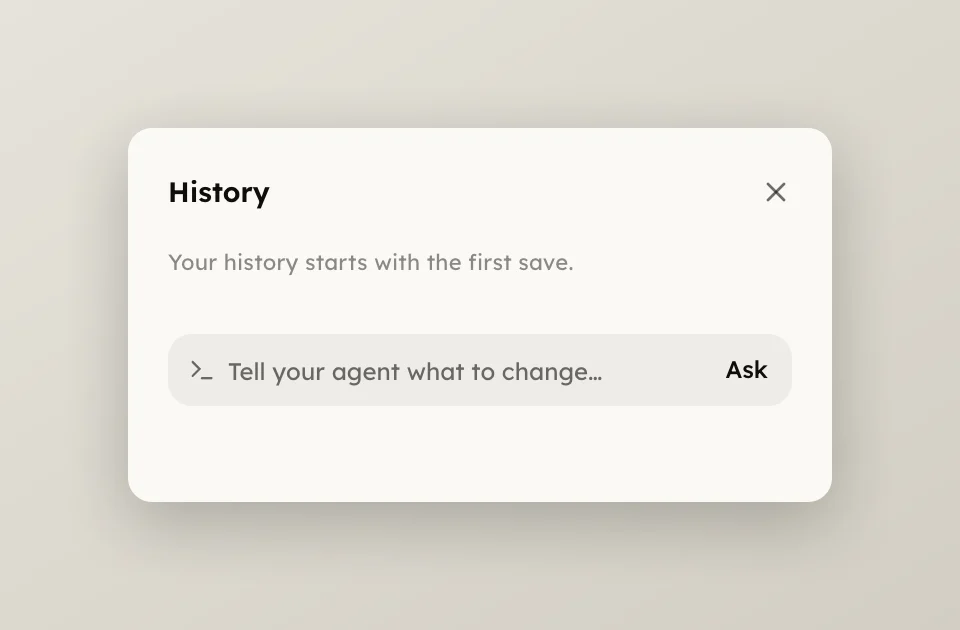
The now card at the top reads Edits since the last checkpoint while you have unsaved edits, with Checkpoint now beside it. Rows group under Today, Yesterday and the date; a long day folds behind Show N more checkpoints.
Press a row to compare: the version docks read-only beside the live canvas,
up to three at once. Escape closes the compare. The row's menu holds the
rest.
calmer intro, and a note to
whoever picks it up next.When a new version lands while you edit, the now card reads Checkpoint paused and offers Review; drafts keep saving while you decide. See Save and autosave.