Follow the cursor
Let a zoom follow the pointer instead of holding one fixed focus point.
Let a zoom follow the pointer instead of holding one fixed focus point.
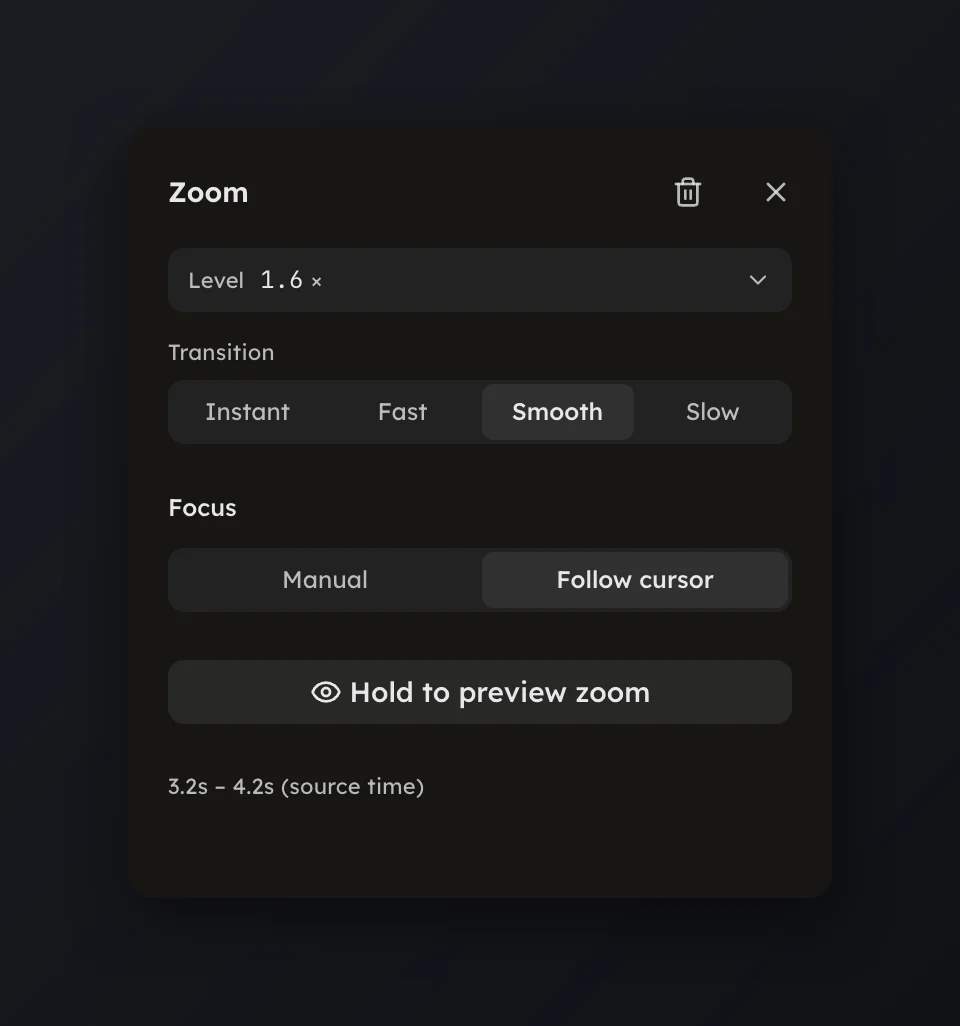
A zoom can follow the cursor instead of holding one spot. Select the zoom and, in the panel's Focus group, pick Follow cursor.
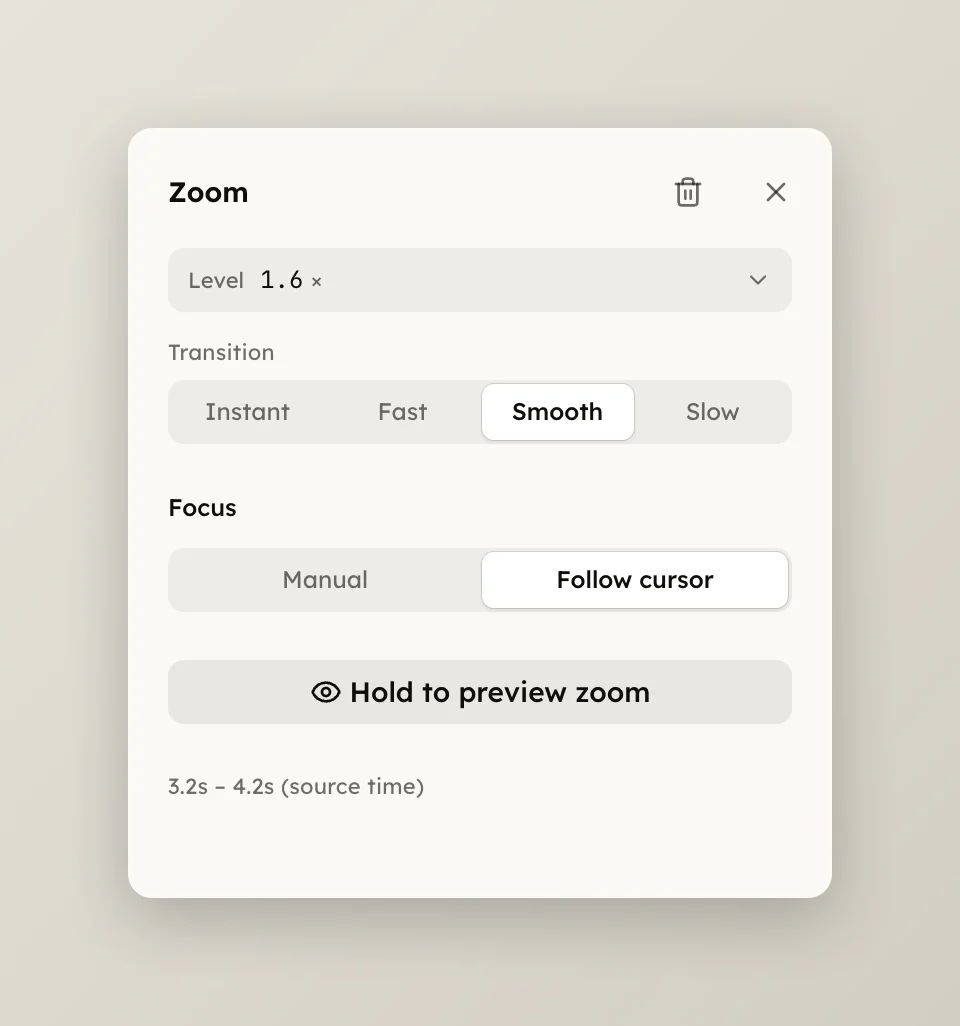
A followed zoom keeps its Level and Transition; only the aim is taken from the cursor. Switch back to Manual to aim it by hand again, and every change makes the zoom yours, so a re-plan keeps it.
The Focus group appears only for a take with a cursor track. A dropped video file or a take from the in-page recorder has none, so its zooms are always manual; see Zooms.