Tilt
Lean the card toward the focus by hand, or let Dynamic tilt plan it.
Lean the card toward the focus by hand, or let Dynamic tilt plan it.
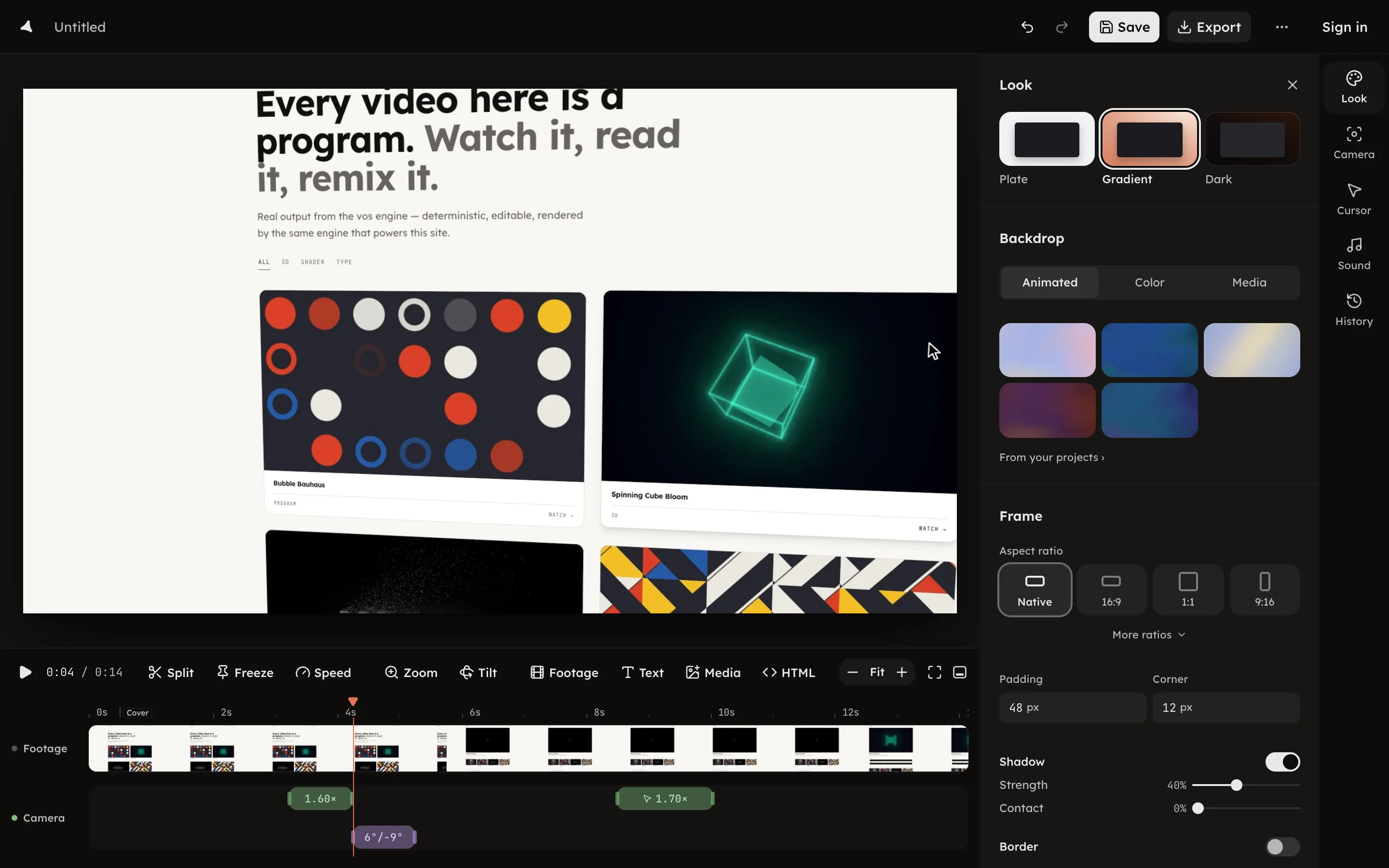
A tilt leans the card toward what the camera is looking at. Press Tilt
in the timeline toolbar, or D, to add one at the playhead; it lands on the
Camera row.
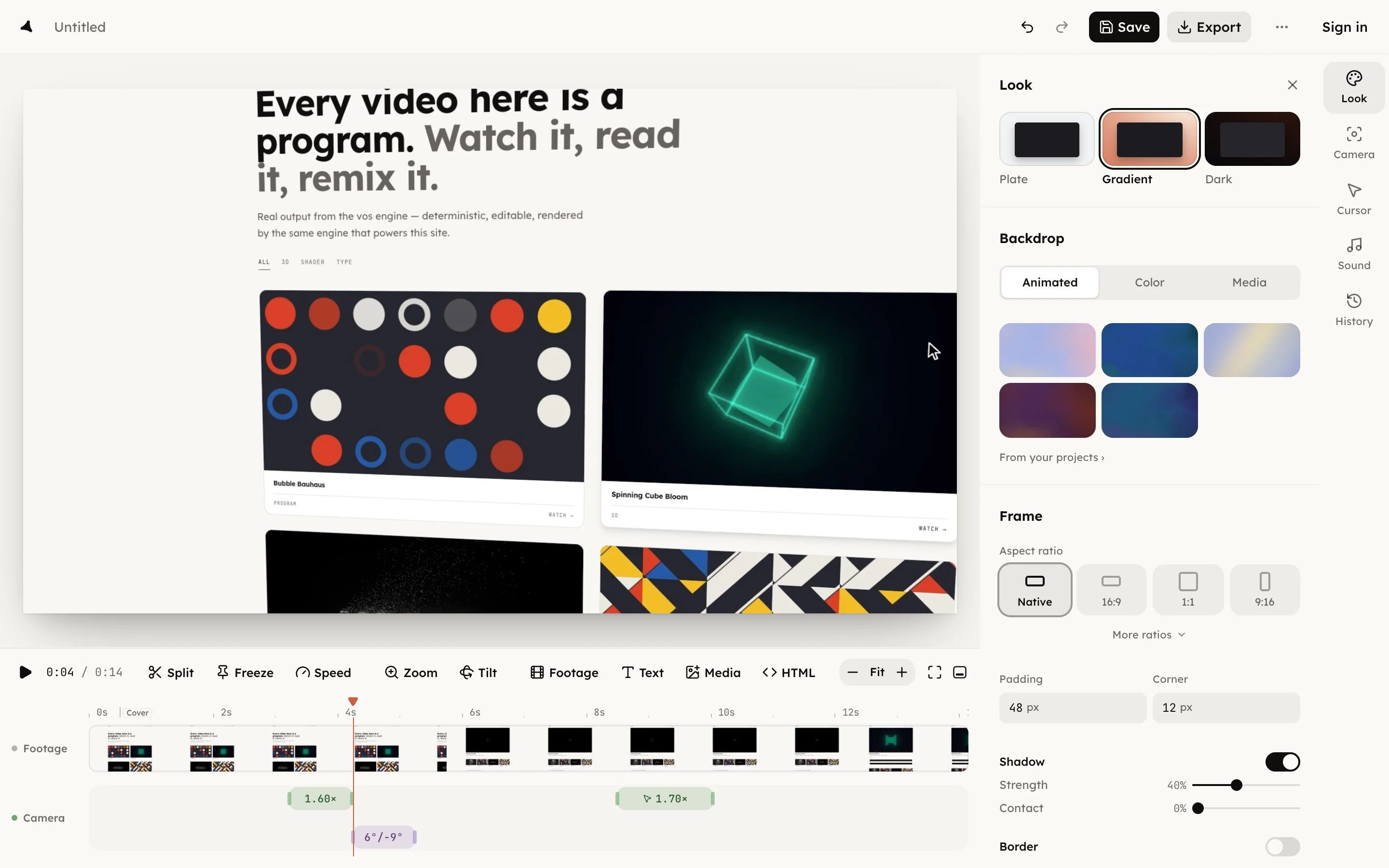
Drag the tilt's edges on the row to change when it starts and ends. The
panel's last line prints its in and out points in source time, the seconds
of the recording itself. Press Delete tilt or ⌫ to remove it.
You do not have to place tilts by hand. On the Camera page, Dynamic tilt plans a lean toward each zoom's focus: Subtle leans up to 5°, Medium up to 9°, Strong up to 14°, and Off plans none. See Camera styles.
The card can also rest at a lean with no tilt at all, set from its grip when you select it on the canvas; see Card and frame.