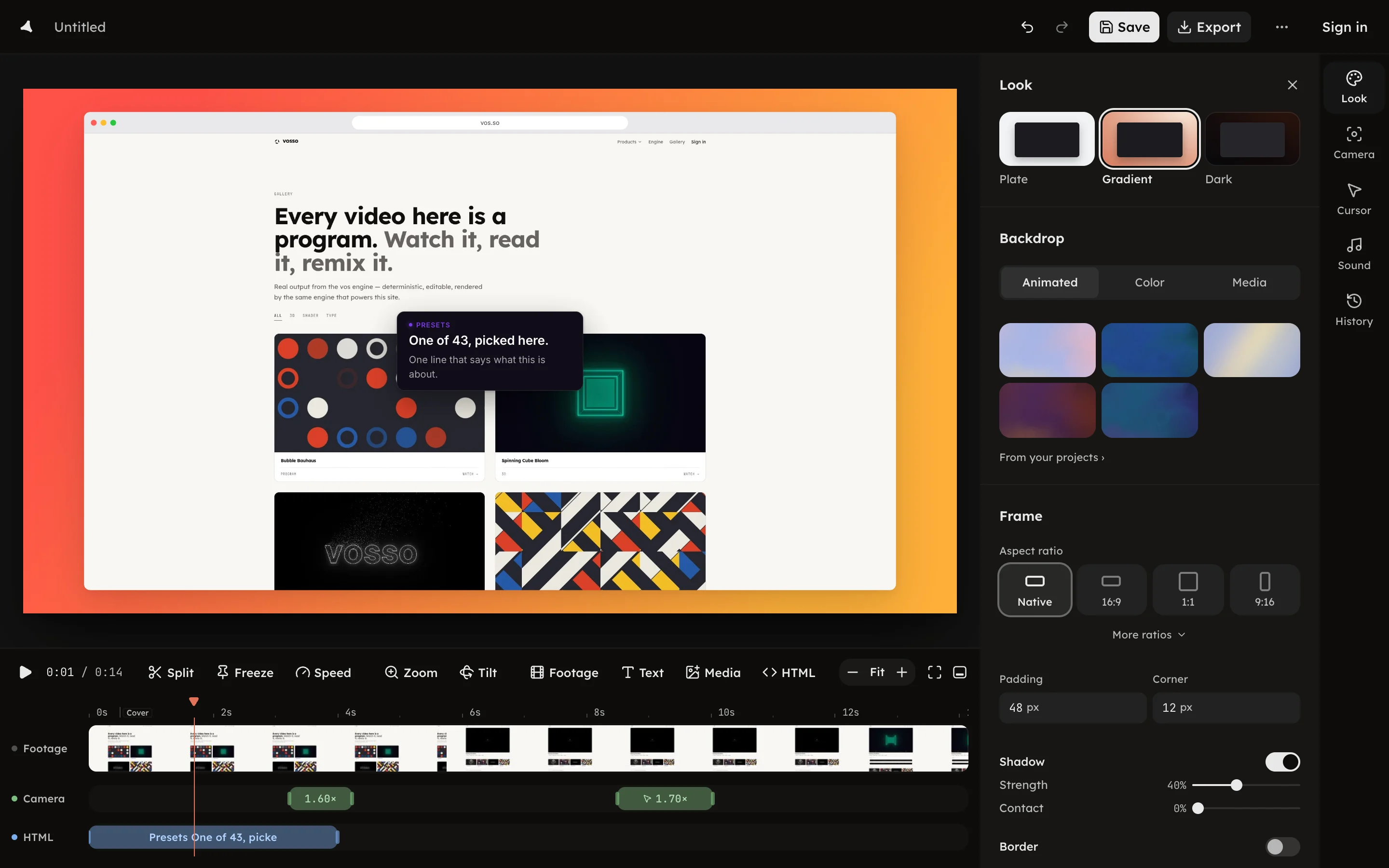
HTML layers
A UI component written as markup and CSS, drawn over the footage and sharp at any export size.
A UI component written as markup and CSS, drawn over the footage and sharp at any export size.
Press HTML in the timeline toolbar, or H, to add a layer at the
playhead. It arrives as a note you can retype.
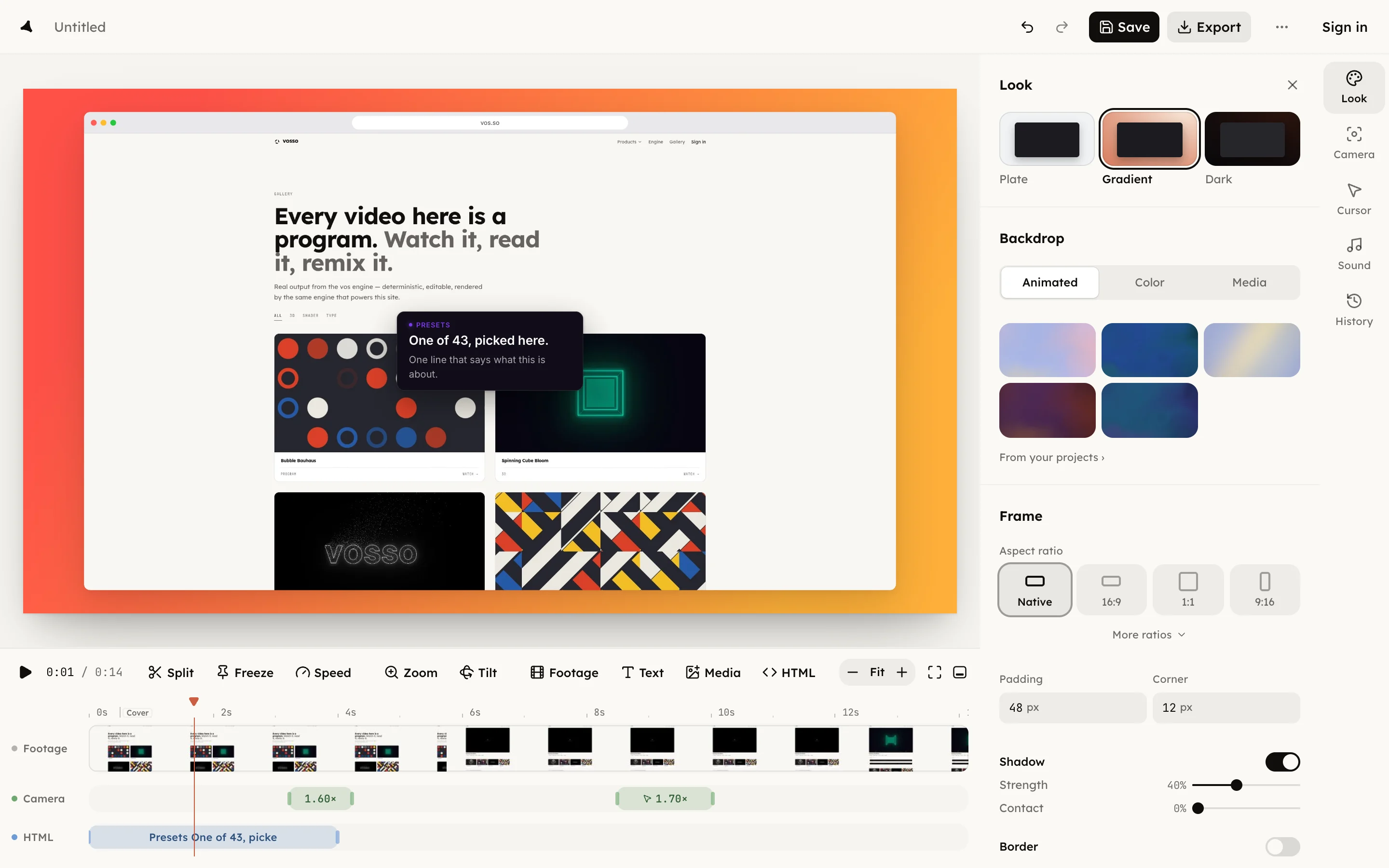
An HTML layer is a component the browser draws from its own source, composited over the footage and rasterized at the export's size, so it is as sharp at 4K as at 1080p. Use one where a zoom would only magnify pixels: a callout, a code pane in the product's own type, a keycap, a badge, a title card.
A callout is about something on the page, so pin it to that thing: a pinned
layer sits a gap off its subject and follows it as the camera moves, with a
ring on the subject if you ask. A layer with no subject is a caption in the
margin. The markup is XML: <br /> closes itself, attribute values are
quoted, and the panel refuses malformed markup in words. Shadow, radius and
border are the layer's own CSS.
The layer's fields, pin included, are on HTML layers in doc.json.